
Odometer Photos for Car Rental: A Practical Guide
Photograph the odometer twice — at pickup and at return — from the same angle with readable numbers, so the mileage and the calculation are documented for both sides.
8 min read
In this article
Photograph the odometer twice — at pickup and at return — from the same angle with readable numbers, so the mileage and the calculation are documented for both sides.
Key takeaways
- Two moments. Capture the odometer at pickup and at return — same angle, similar lighting.
- One frame. The best shot shows the dashboard, the mileage, the fuel gauge and the time together.
- Readability. The numbers must be sharp; if they're blurry, take a second shot from another angle.
- The link to the mileage limit. The difference between the two frames shows the distance driven, which is compared against the contractual limit.
- JanCar's role. The platform is an intermediary — deposit, mileage limit and insurance are checked on the listing and with the owner.
Why odometer photos matter for both sides
An odometer photo is the only simple proof of mileage that both sides can verify without a specialist. The pickup shot fixes the starting number, the return shot fixes the final one. The difference between them is precisely the distance used to determine whether the mileage limit was exceeded or not.
For the renter, the photo is protection against a "you drove more" accusation. For the owner, it's proof the car came back with its real mileage. When both sides hold identical frames, the subject of a dispute simply never arises.
When a photo becomes evidence in a dispute
A dispute surfaces at handover, or days later when the owner inspects the car. At that point verbal memory counts for nothing — only recorded data works. A readable, timestamped frame lets both sides show what the odometer actually said at handover.
How to take an identical, readable frame: step by step
The best frame combines four data points in a single shot: the full dashboard, the odometer reading, the fuel gauge and the time. Such a frame leaves no questions open — you can see which car it is, when it was taken, and in what condition.
- Sit in the driver's seat and switch on the ignition so the dashboard lights up.
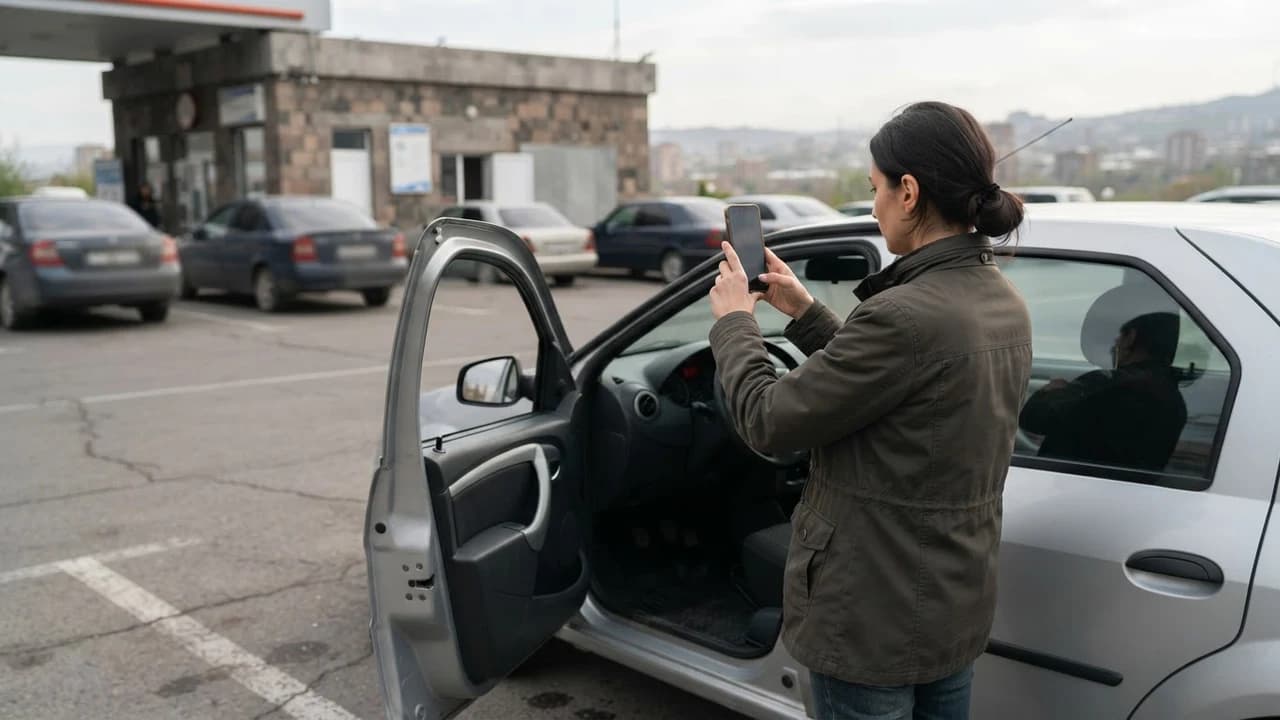
- Hold the phone centered in front of the dashboard, about 30–40 cm away.
- Make sure the frame shows the odometer, the fuel gauge and the clock.
- Take the shot, check the sharpness of the numbers, and repeat if needed.
- Save the photo in a separate folder named "Rental \[date\]".
Lighting and angle
A daytime shot in a parking spot is the easiest option — natural light doesn't create reflections on the dash. In the evening, the lit dashboard is usually enough, but avoid flash: it leaves a white glare on the glass. Hold the phone perpendicular to the dashboard so the numbers don't skew.
What to do if the numbers aren't readable
A blurry frame won't save anyone. Take a second one from a different angle, or slightly closer with just the odometer in view. With a digital display, wait a second or two for the screen to stabilize. With a mechanical drum, shoot straight on — no slanted angle — so the edges of the digits stay visible.
Capturing the time in the photo
The time shows up from two sources: the car's dashboard clock and the phone's photo metadata. Make sure your phone's clock is set correctly so the metadata is reliable. If the dashboard clock is wrong, that's not a problem — what matters is the mileage figure and the fuel level.
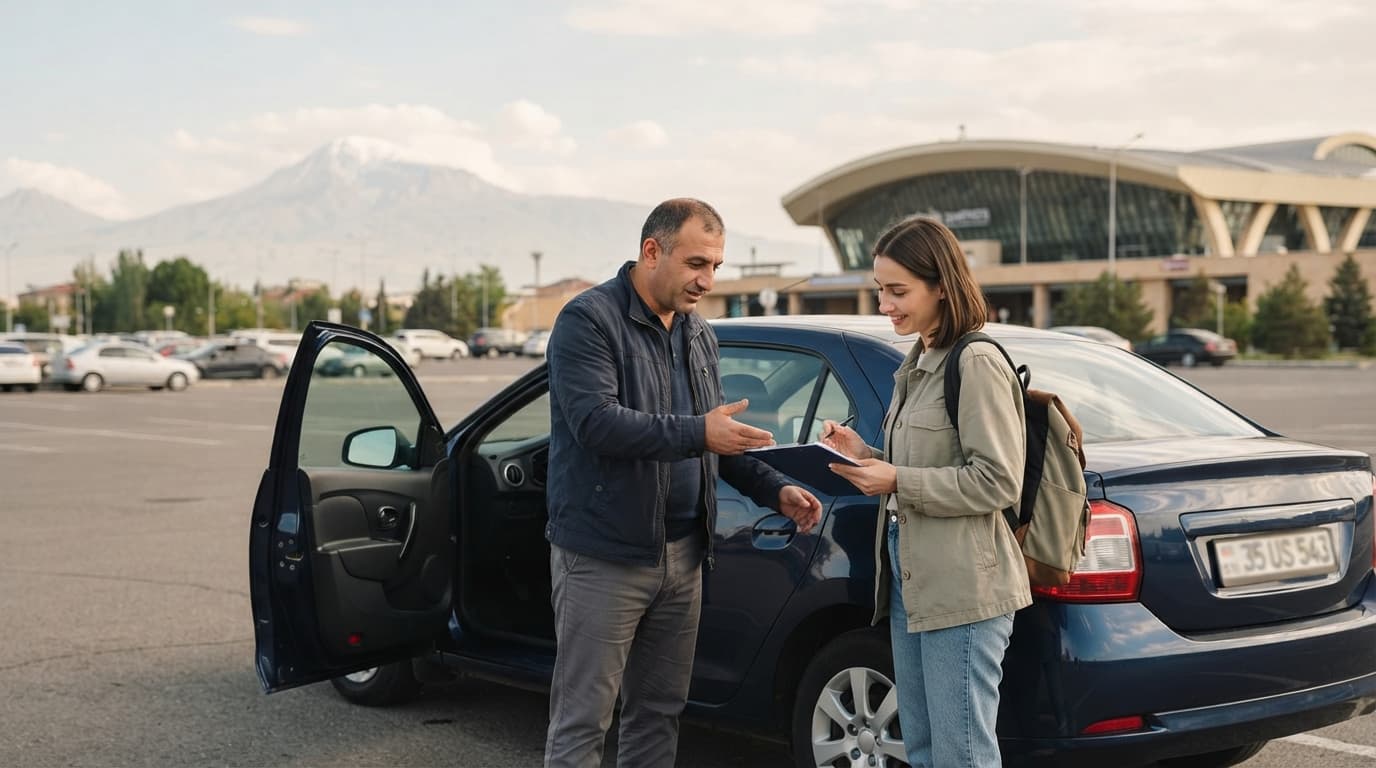
At pickup: checklist
When collecting the car, run through these five steps before putting the keys in your pocket.
- Take the full frame — dashboard, mileage, fuel, time.
- Compare the odometer reading with the listing or the handover act.
- Record the fuel level — via the gauge and, if possible, a shot of the filler cap.
- Photograph existing damage — scratches, glass, tires.
- Check that the handover act (or handwritten note) lists the same numbers, and both of you sign.
If the owner has no ready-made act, a simple handwritten note is enough — mileage, fuel, time, date, two signatures. It's a safe alternative and requires no app whatsoever.
At return: checklist
When returning the car, repeat the same frame under the same conditions — that's what makes the evidence comparable.
- Take the full frame from the same angle — dashboard, mileage, fuel, time.
- Bring the fuel back to the pickup level unless the contract says otherwise.
- Calculate the difference together — final mileage minus starting mileage.
- Compare the result with the contractual mileage limit.
- Sign the return note and keep a copy or a photo of it.
How the mileage photo connects to the contractual limit
Many owners state a daily or total mileage limit in their listing, plus an overage fee. That fee isn't a legally mandated fine — it's an owner's term, confirmed by the contract. The platform doesn't set it and doesn't hold money for it.
The math is simple: subtract the pickup reading from the return reading, then compare the result with the contract's limit. For example, a three-day rental with a 200 km/day limit means 600 km of total allowed distance. Confirm the overage fee amount in advance — on the listing or directly with the owner.
My advice is always to do the calculation before handing the car back, with both sides present. Five minutes that saves weeks of dispute.
Common mistakes and main risks
The most common mistake is the blurry frame where the numbers can't be read. Such a photo helps neither side in a dispute. The second mistake is capturing only one moment — if there's only a pickup shot, the final mileage stays outside the evidence.
- Blurry frame: always check sharpness after shooting and repeat if needed.
- Single-moment capture: without a return shot, the calculation can't be proven.
- Missed fuel shot: fuel-level disputes come up just as often as mileage ones.
- No signatures: a photo is strong when both sides have confirmed the same numbers in writing.
JanCar's role and what to confirm with the owner in advance
JanCar is an intermediary platform — cars belong to independent owners, and JanCar has no fleet of its own. Price, availability, mileage limit, fuel terms, insurance and pickup location are all decided by the owner, in the listing.
The rule on deposits is clear: JanCar does not receive, block or hold a security deposit. If an owner states a deposit on their listing, its size and handling are arranged directly between renter and owner. That's exactly why odometer and fuel photos are your most reliable protection.
Before renting, confirm with the listing and the owner: the mileage limit, the overage fee, whether a deposit applies, the insurance policy, and the pickup and return locations. These details change — check them as of the day of publication, because the owner may update the terms. For general road requirements, you can consult the police official website (roadpolice.am).
Frequently asked questions
Is an odometer photo mandatory when renting a car in Armenia?
No, there's no legal requirement. It's a practical habit that protects both renter and owner from mileage and fuel disputes.
When is the right moment to photograph the odometer?
Twice — when you collect the car, before driving off, and when you return it, before handing over the keys. Take both shots from the same angle so they're comparable.
What should I do if a mileage dispute arises at return?
Show both photos and the handover act or signed note. If the frames are readable and timestamped, the difference takes minutes to calculate.
Who sets the fee for exceeding the mileage limit?
The owner — via the listing and the contract. This is not a government fine; check the fee amount and how it applies in advance, on the listing.
What does JanCar do if a dispute arises over the deposit?
JanCar does not receive or hold deposits — transactions involving a deposit are arranged directly between renter and owner. Your photos and signed note are the main evidence in that case.
Official sources
The following sources were used to verify facts, as approved in the brief.
Related search paths
Continue the topic with these verified related guides.
- Calculating the mileage limit in car rental: step by step
- Dispute evidence in car rental for owners
- Listing photos for a car rental ad: the order
- Noting vehicle defects in a rental listing
- Gas stations in Armenia by car: 4 rental steps
- Dashboard warning lights in a rented car
This is general information. JanCar does not receive or hold a vehicle deposit. Check price, deposit, insurance and every other term on the listing and directly with the owner.
More JanCar guides
Continue with these closely related practical guides.
- Carrying Skis in a Rental Car: A Practical Guide
- One-Way Car Rental Returns in Armenia: A Guide
- Areni-1 Cave by Car: 2025 Guide
- Car Handover Photos for Owners: A Guide
- Martuni to Vardenis by Car: Practical Guide
- Damage Dispute at Car Return: What to Do
- No-Show in Car Rental: A Practical Guide
- Fuel and mileage log for car rental: practical guide
Frequently asked questions
Is an odometer photo mandatory when renting a car in Armenia?
No, there's no legal requirement. It's a practical habit that protects both renter and owner from mileage and fuel disputes.
When is the right moment to photograph the odometer?
Twice — when you collect the car, before driving off, and when you return it, before handing over the keys. Take both shots from the same angle so they're comparable.
What should I do if a mileage dispute arises at return?
Show both photos and the handover act or signed note. If the frames are readable and timestamped, the difference takes minutes to calculate.
Who sets the fee for exceeding the mileage limit?
The owner — via the listing and the contract. This is not a government fine; check the fee amount and how it applies in advance, on the listing.
What does JanCar do if a dispute arises over the deposit?
JanCar does not receive or hold deposits — transactions involving a deposit are arranged directly between renter and owner. Your photos and signed note are the main evidence in that case.