
Fuel and mileage log for car rental: practical guide
A unified fuel and mileage log is a single document where the car owner records, for every rental, the handover and return dates, odometer readings, fuel level, receipts and both parties' confirmation. It helps avoid disputes and makes the settlement transparent.
6 min read

In this article
A unified fuel and mileage log is a single document where the car owner records, for every rental, the handover and return dates, odometer readings, fuel level, receipts and both parties' confirmation. It helps avoid disputes and makes the settlement transparent.
What is a unified fuel and mileage log
A unified fuel and mileage log is a working document for the car owner that records the key data of every rental in one form. It works as a single template: handover and return date, odometer reading, fuel level, receipt and both parties' signatures.
This document carries evidentiary weight. In a dispute, it shows what condition the car was in at the start of the rental and how it was returned. It also serves as the basis for settlement — calculating the cost of fuel and the difference in mileage.
Why you need it in car rental
A unified log protects the interests of both the owner and the renter, and it keeps the settlement transparent. Without it, resolving a dispute over fuel level or odometer readings becomes genuinely difficult.
The log also helps you track how the car is being used and plan maintenance. If the renter returns the car with more mileage than agreed, the log shows the exact difference. This matters especially in peer-to-peer rental, where the car belongs to a private individual, not a rental company.
JanCar is a connecting platform. The car, price, deposit, insurance and handover are confirmed through the listing, with the owner, and by agreement. The platform does not keep the log and does not hold the deposit.
What data the log should include
The log should contain the following key fields, for every rental. You can print this list and use it as a template.
- Handover date and time — when the car was transferred to the renter.
- Return date and time — when the car was returned.
- Odometer reading at handover — the exact figure in km.
- Odometer reading at return — the exact figure in km.
- Fuel level at handover — in percent or litres.
- Fuel level at return — in percent or litres.
- Fuel receipts — if the renter refuelled, a photo of the receipt or its details.
- Signatures of both parties — both the owner and the renter confirm the recorded data.
Together, these fields make up the fuel and mileage log for car rental. Without any one of them, the log is incomplete and cannot protect the parties.
Step-by-step checklist for filling in the log
Filling in the log is a simple process if you follow these steps. You can apply this checklist on every rental.
- Before handover — photograph the odometer and fuel gauge. Record the date and time.
- Check the car's exterior condition — attach photos of any existing damage to the log.
- Fill in the handover data — odometer, fuel level, date, time.
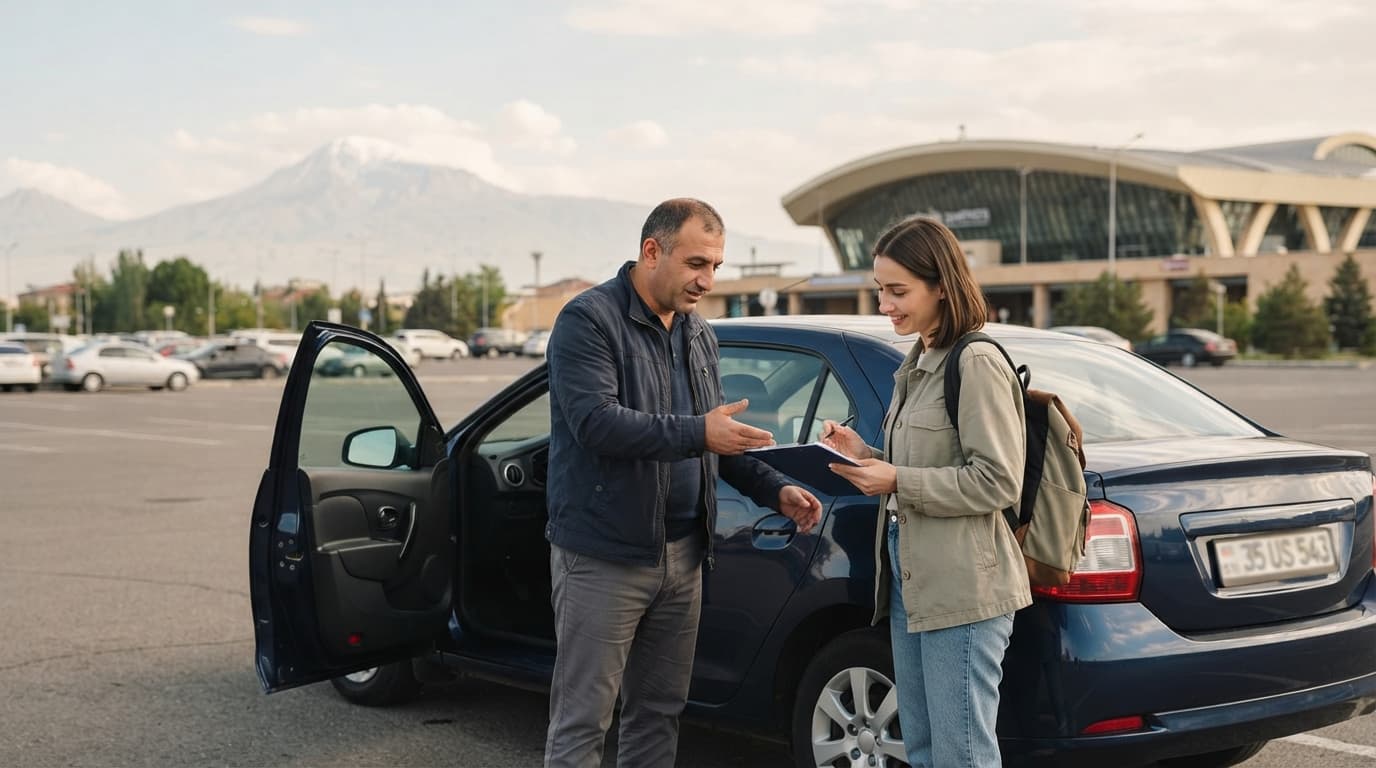
- Show the renter the records and ask them to sign the log.
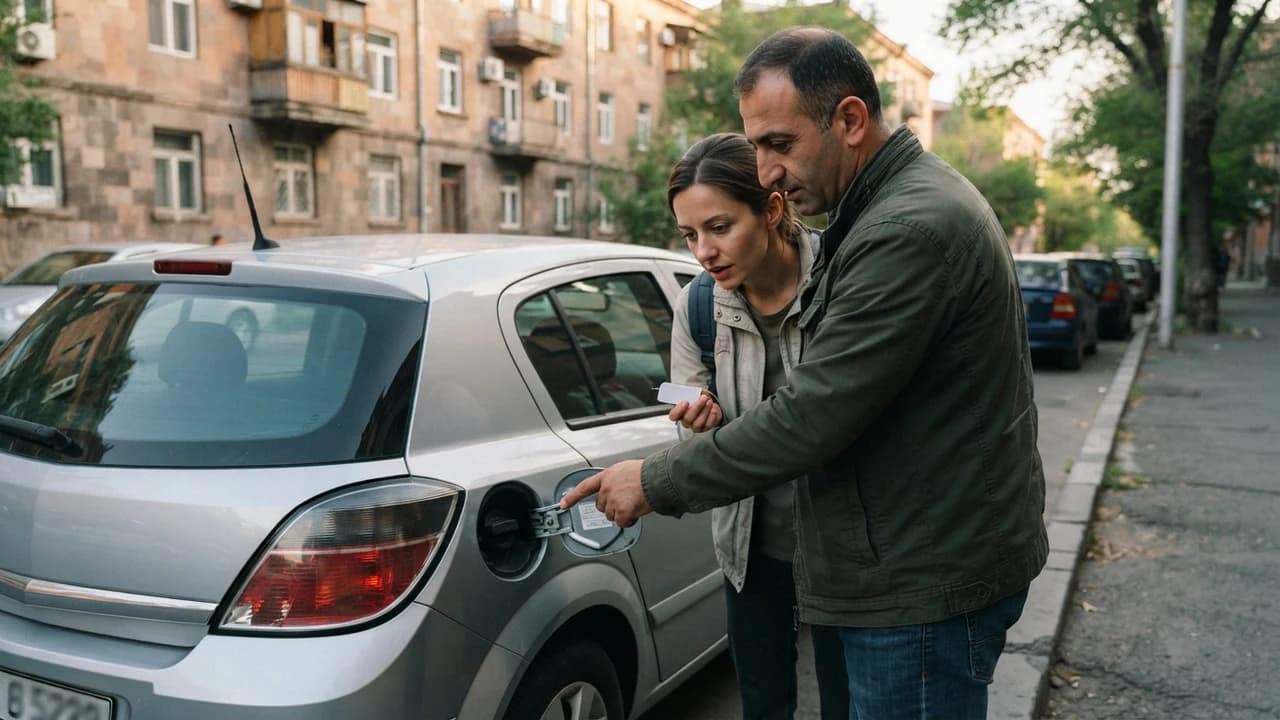
- At the moment of return — photograph the odometer and fuel gauge again.
- Compare the data — the difference between handover and return readings.
- Fill in the return data and sign on both sides.
After each step, attach the photos to the log or keep them in a digital version. This practice significantly reduces the likelihood of disputes.
Mistakes and key risks to avoid
The most common mistake is recording the odometer and fuel level only verbally, without a photo or signature. This can lead to disagreements at the time of return.
Another common mistake is not keeping the receipts. If the renter refuelled, the receipt must be kept and attached to the log. Without a receipt, it is impossible to prove the amount spent.
The deposit is also a key risk point. JanCar does not receive or hold the deposit; it is a personal arrangement between the parties. Note the deposit amount and the return conditions in the log to avoid misunderstandings.
Also agree with the renter on insurance. Make sure the active policy covers the rental period, and note this in the log. Facts can change, so at the time of publication check Armenia's official sources — for example, the patrol service.
What to check in advance, before starting the log
Before starting a fuel and mileage log for car rental, check all the terms of the listing and make sure you understand each one. For variable legal, road or payment data, check an official source at the time of publication.
In advance, clarify who pays for fuel, how excess mileage is calculated, and what policy applies to late returns. Record all of this in the log or in the agreement before handing over the keys.
Remember that JanCar is a connecting platform. The car, price, deposit, insurance and handover are confirmed through the listing, with the owner, and by agreement. The platform does not keep the log and does not hold the deposit — this is your responsibility as the owner.
Frequently asked questions
Can I keep the log electronically?
Yes. It is convenient to use a spreadsheet (for example, Excel or Google Sheets) or a dedicated mobile app. What matters is that photos and receipts are stored in the same place, attached to the log.
What if the renter refuses to sign the log
Explain that the log protects both sides. If the renter refuses to sign, it is safer not to hand over the car and to find another renter.
Can I fill in the log retrospectively
It is not advisable, but if you have photos and receipts, you can fill it in retrospectively. The risk during this period is forgetting the data, so it is better to fill it in immediately.
Related search paths
Continue the topic with these verified related guides.
This is general information. JanCar does not receive or hold a vehicle deposit. Check price, deposit, insurance and every other term on the listing and directly with the owner.
More JanCar guides
Continue with these closely related practical guides.
Frequently asked questions
Can I keep the log electronically?
Yes. It is convenient to use a spreadsheet (for example, Excel or Google Sheets) or a dedicated mobile app. What matters is that photos and receipts are stored in the same place, attached to the log.
What if the renter refuses to sign the log
Explain that the log protects both sides. If the renter refuses to sign, it is safer not to hand over the car and to find another renter.
Can I fill in the log retrospectively
It is not advisable, but if you have photos and receipts, you can fill it in retrospectively. The risk during this period is forgetting the data, so it is better to fill it in immediately.
Where to go next
Sources
- JanCar — how it works
jancar.am · official source
- JanCar car catalogue
jancar.am · official source