
Car Rental Listing Photos: The Right Order
An honest listing needs about 10–15 photos in the right order. Here's the shot sequence we recommend — with no editing that hides damage.
8 min read
In this article
An honest listing needs about 10–15 photos in the right order. Here's the shot sequence we recommend — with no editing that hides damage.
Key Takeaways
A car rental listing needs roughly 10–15 photos in a clear sequence: exterior (from four sides), interior, trunk, dashboard and close-ups of any existing damage.
- Shoot in daylight, with a clean car, in landscape orientation.
- The order: exterior → interior → trunk → dashboard (mileage + fuel) → features → damage.
- No filters or edits that hide a scratch or change the color.
- Tie damage shots to an existing-damage diagram with a close-up of each mark.
- New scratch, new tires or a seasonal change? Update the photos and note the date.
- If you can't photograph something, say so in the listing — honesty replaces a missing frame.
Why Photos Decide the Booking
Photos are a renter's first screening tool — they use them to judge whether the car matches the description. On JanCar, renters open several listings side by side and compare. A complete, honest set of frames makes your listing comparable; a patchy one makes it worrying.
What an Owner Loses With Poor Photos
When a renter sees dark, distant or cropped shots, they assume something is being hidden. That means fewer requests, even if the car is in excellent condition. The reverse is also true: a listing that shows its damage often earns more trust than one that looks "perfect."
The Shot Order: A Step-by-Step List
The right sequence lets a renter "walk" around the car with their eyes — outside first, then in — and it keeps you from forgetting anything. Here's the order we recommend for arranging photos in the listing.
1\. Exterior: Four Sides and Angles
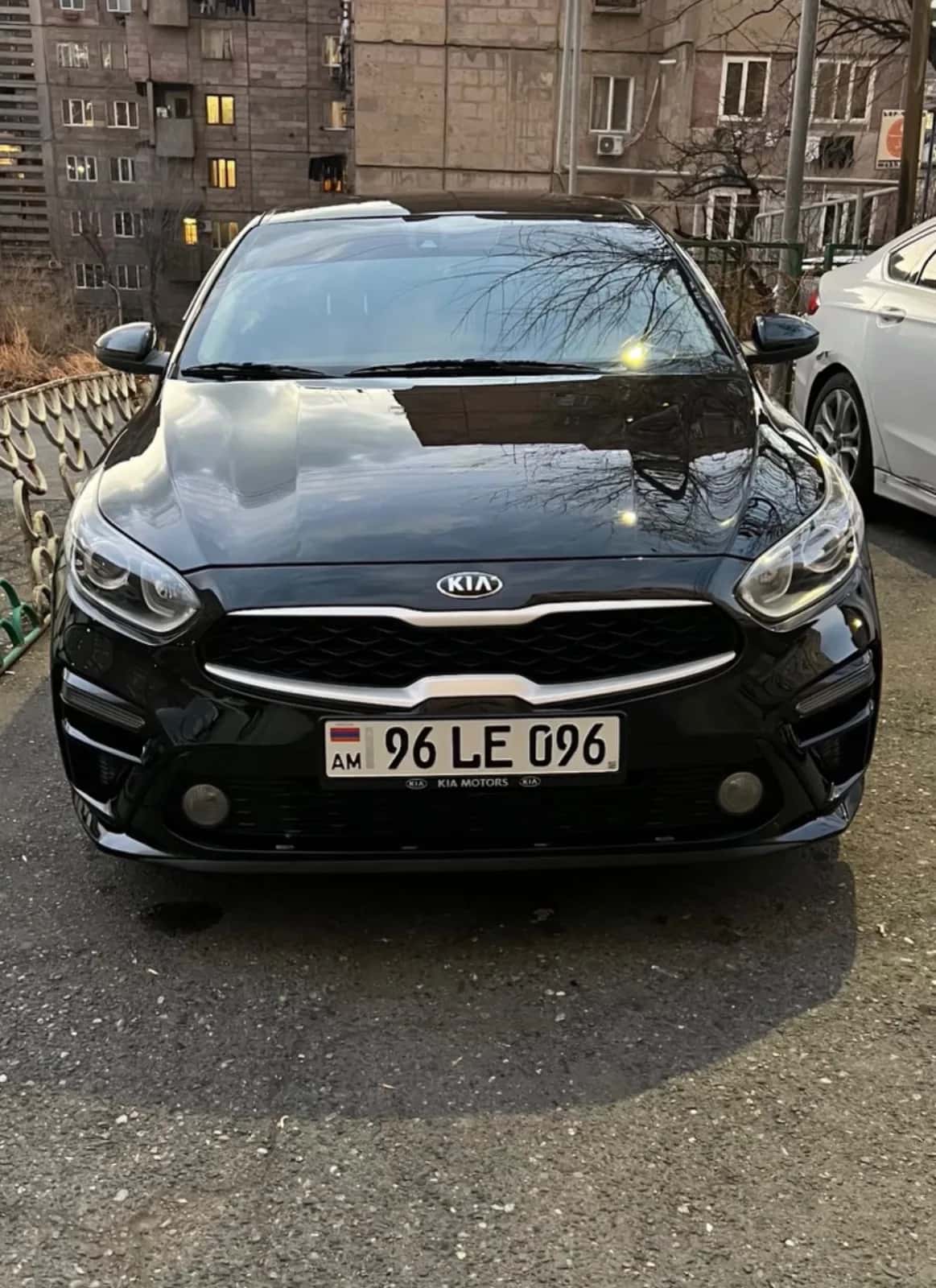
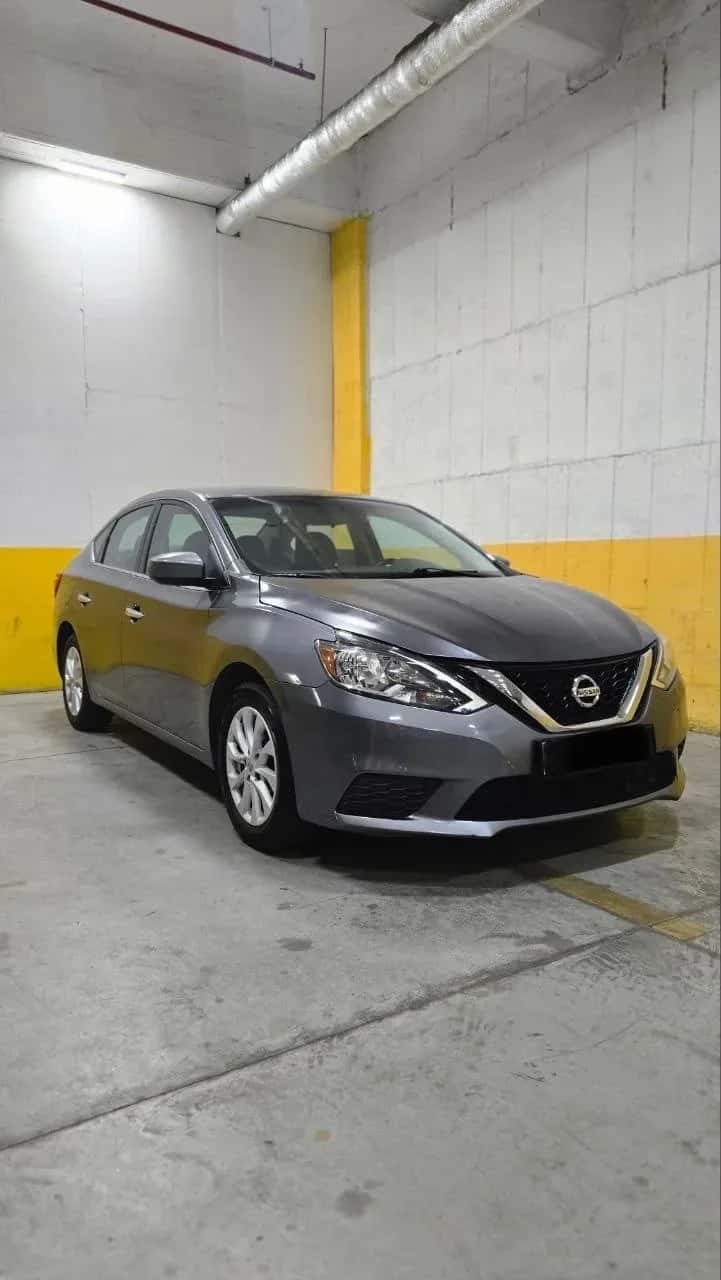
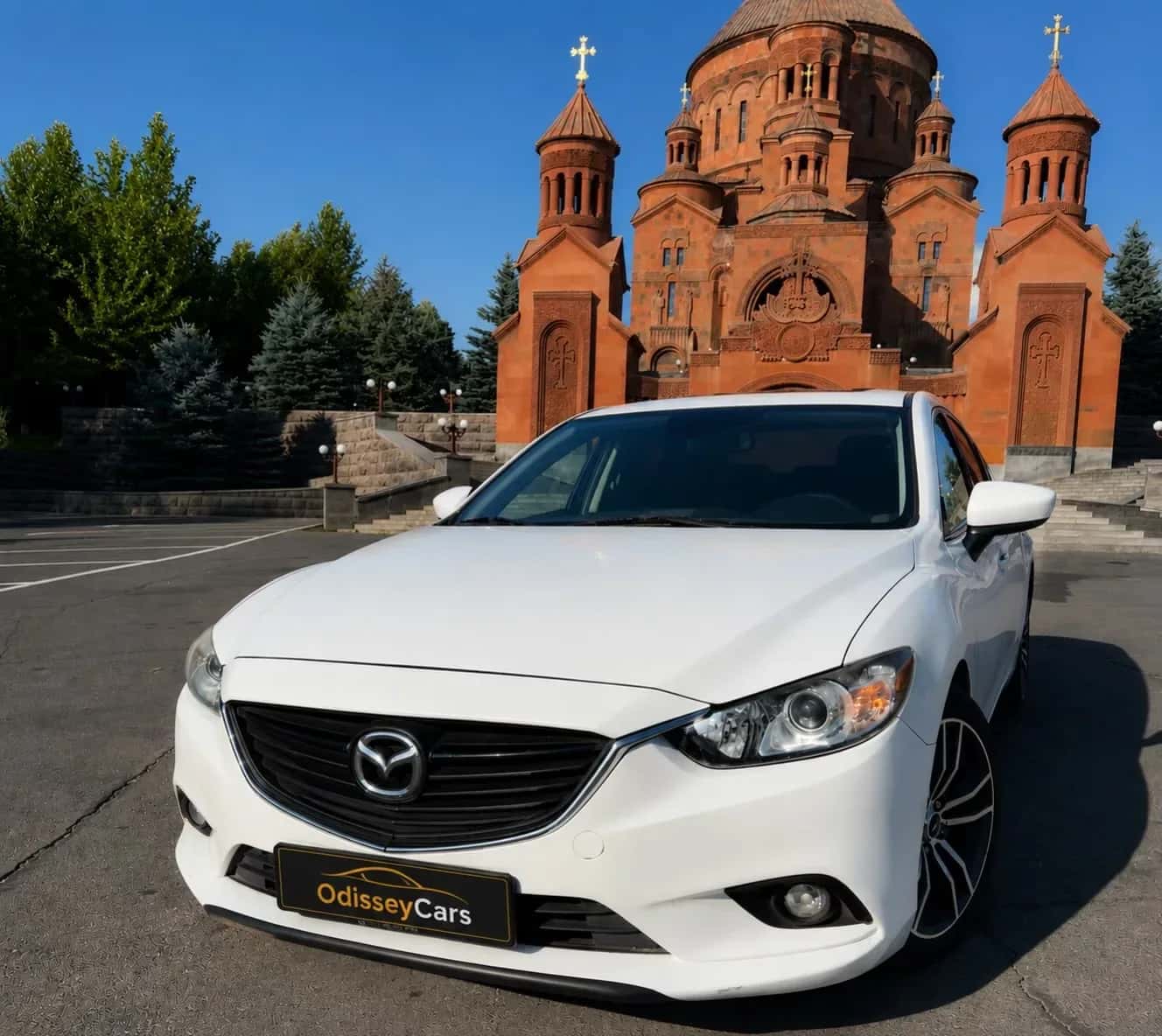
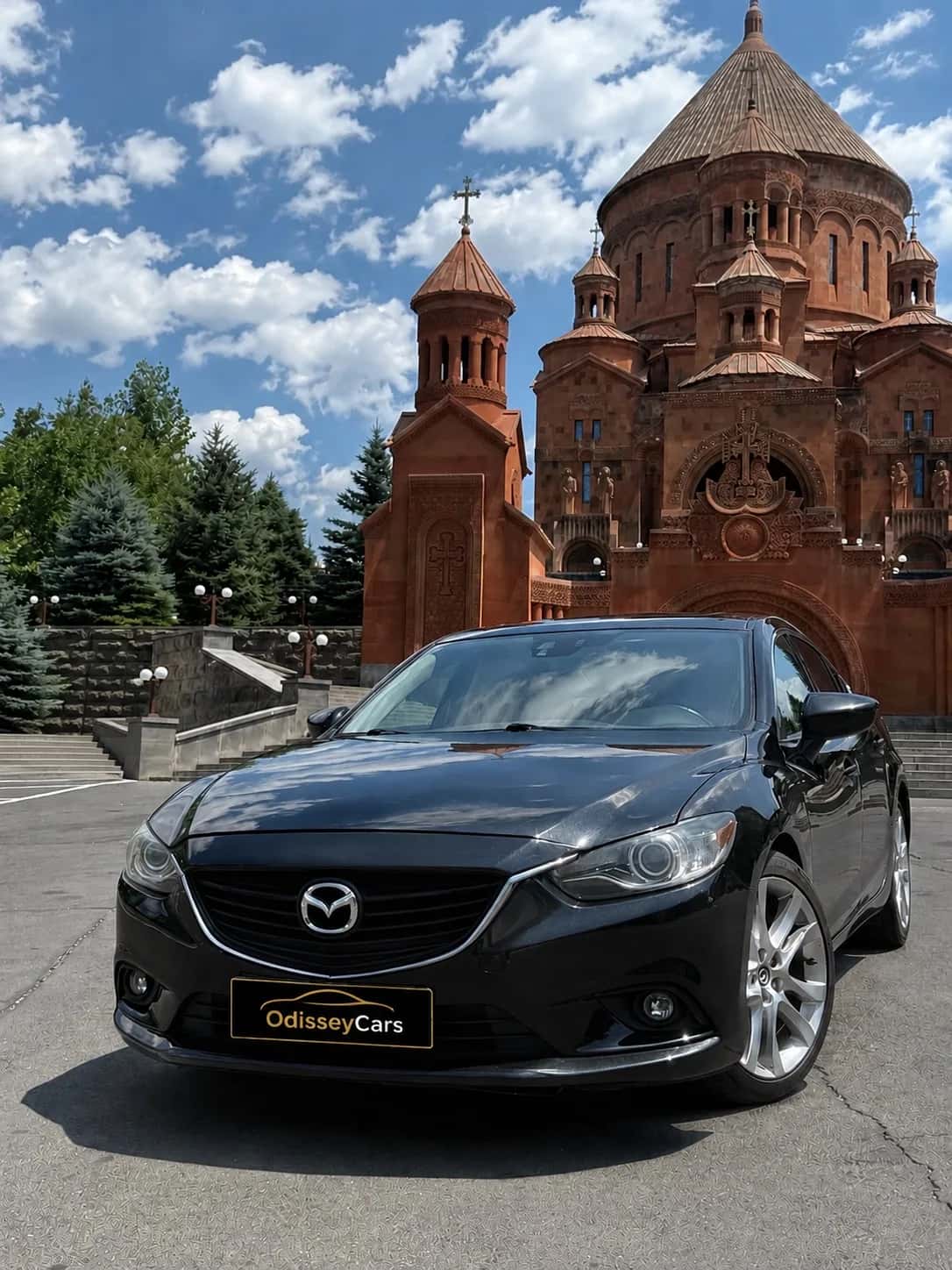
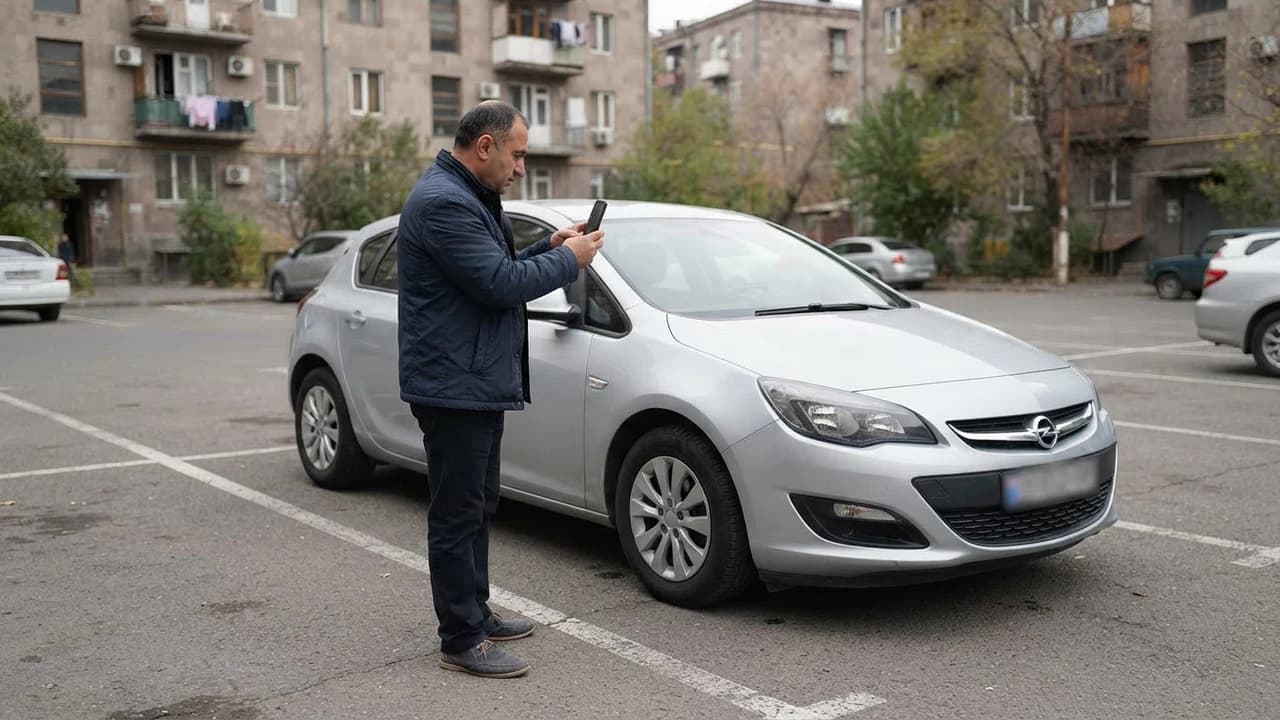
Start with all four sides: front, rear and both flanks. Shoot each side at a diagonal so the wing and part of the door are visible. Add one straight-on front shot and one along the roofline. These five or six frames give the renter a full picture of the car.
2\. Interior: Front and Rear Seats
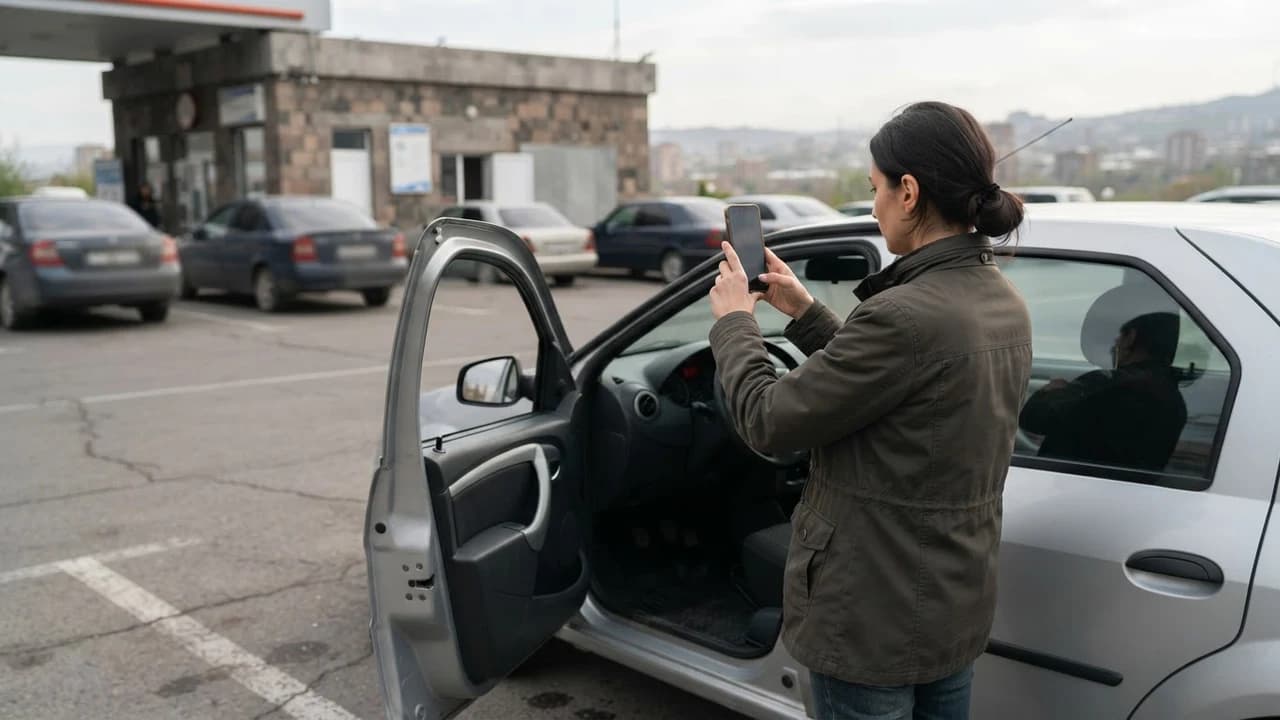
With the doors open, photograph the front seats from the door side, then the rear seats the same way. Add one shot showing the steering wheel position with the whole cabin in view. Show the rear window and headliner too if there's anything notable there — good or bad. Remove personal items before shooting.
3\. Trunk and Spare Tire
Photograph the open trunk in two shots: the overall view and the floor underneath. If there's a spare tire, tools or a jack kit, photograph those as well. Renters ask about this constantly, and a ready-made frame saves you answering every time.
4\. Dashboard: Mileage, Fuel, Warning Lights
The dashboard mileage and fuel reading is one of the most important "documentary" shots in a listing. Photograph the dash so both the odometer and fuel gauge are visible, and write the numbers in the listing text as well. Remember these are changing figures — check and update them on the day you publish.
5\. Key Features and Equipment
If the car has a child-seat anchor, climate control, snow chains, a roof rack or any other feature you mention in the text, photograph it. Every written claim gets stronger with a matching frame. It also cuts down on the "does it have it? does it work?" questions.
Shot
Count
What it shows
Exterior (4 sides + angles)
5–6
Body condition, color, size
Interior
3–4
Seats, steering wheel, cleanliness
Trunk + spare tire
2
Cargo space, tools
Dashboard
1–2
Mileage, fuel, warning lights
Features
1–3
Advantages mentioned in the text
Damage (close-ups)
as needed
Honesty, dispute prevention
Photographing Damage: The Honesty Rule
Every existing mark should be photographed up close, with no editing that hides it. This is the most important section of the listing, because this is exactly where handover disputes are born.
Existing-Damage Diagram and Close-Ups
Make a simple existing-damage diagram: an outline of the car with marked points showing where each scratch, dent or crack sits. Place the matching close-up photo next to each marked point. That pair — diagram plus frame — becomes the shared reference for both sides at handover.
Why You Can't Edit the Photos
Filters, boosted contrast and "erasing" edits change how the car actually looks. When a renter spots a scratch at pickup that wasn't in the photos, they reasonably assume it's new. The result is a dispute one honest frame could have prevented. The only acceptable edit is cropping — with no alteration to the image itself.
Connecting Photos and Documents
Listing photos later become the baseline for the handover check. At pickup, owner and renter can compare the car against the listing frames and fill out a handover act, where both parties sign off on the condition, mileage and fuel level.
This matters especially when the listing states a security deposit: JanCar doesn't receive, block or hold deposits — the deposit is arranged directly between owner and renter. Honest photos and a signed act protect both sides, no matter how the deposit itself is arranged.
- Compare the car against the listing photos at both pickup and return.
- Record the fuel level with a photo and in the act.
- If you find new damage, photograph it on the spot — from the same angle as the listing frame.
- Ask for the applicable insurance policy and read its terms.
JanCar's Role — and Its Limits
JanCar is a connecting platform: it brings together listings from independent owners and helps renters compare them. The car belongs to the owner, while price, deposit, insurance, mileage limit and handover terms are set by the listing and confirmed directly with the owner.
That means checking every field of the listing before publishing: price, deposit, insurance, mileage, fuel, pickup and return location. For changing data — mileage, fuel, tire season — verify on publication day and update as needed. For questions about legally mandated requirements, such as driver's and registration documents, rely on official sources like the Police of Armenia (roadpolice.am).
Frequently Asked Questions
How many photos does a car listing need?
Ten to fifteen frames is the sweet spot: exterior (four sides), interior, trunk, dashboard and close-ups of existing damage. Fewer leaves questions unanswered; more can confuse if it isn't organized in order.
Is a phone camera good enough?
Yes — a modern phone is fine if you meet three conditions: daylight, a clean car and a steady landscape frame. Quality is decided by light and distance, not the camera.
When should I update the photos?
Update them whenever the car's condition changes: new damage, new tires, repairs or a seasonal switch. Note the date next to refreshed frames so the renter can see the information is current.
Can I edit my listing photos?
Only cropping is allowed — no changes to color, light or surfaces. Filters and edits that "remove" damage break the honesty rule and lead to disputes at handover.
What if I can't photograph something?
Say so in the listing text and explain the situation. An honest note ("interior trunk shot will be added before booking") works better than a missing frame nobody knows about.
Official Sources
These sources were used to verify facts in this brief.
Related Search Paths
Continue the topic with these verified related guides.
- A trustworthy car listing on JanCar: checks before booking
- Comparing car rental listings: 6 fields
- Final pickup checklist for a car: 10 steps
- Initial inspection of a rented car: checklist
- Rental car damage liability in Armenia
This is general information. JanCar does not receive or hold a vehicle deposit. Check price, deposit, insurance and every other term on the listing and directly with the owner.
More JanCar guides
Continue with these closely related practical guides.
- Listing Car Defects in Your Rental Ad
- Car Listing Publishing Checklist
- Roundabout Right of Way in Armenia
- Carrying a Bike on a Rental Car: 5 Points
- How to Write a Car Rental Listing Description on JanCar
- Car Details in a Rental Listing: A Verification Guide
- Car Rental Listing Accessories: A 5-Line Template
- Photo Trip in a Rental Car
Frequently asked questions
How many photos does a car listing need?
Ten to fifteen frames is the sweet spot: exterior (four sides), interior, trunk, dashboard and close-ups of existing damage. Fewer leaves questions unanswered; more can confuse if it isn't organized in order.
Is a phone camera good enough?
Yes — a modern phone is fine if you meet three conditions: daylight, a clean car and a steady landscape frame. Quality is decided by light and distance, not the camera.
When should I update the photos?
Update them whenever the car's condition changes: new damage, new tires, repairs or a seasonal switch. Note the date next to refreshed frames so the renter can see the information is current.
Can I edit my listing photos?
Only cropping is allowed — no changes to color, light or surfaces. Filters and edits that "remove" damage break the honesty rule and lead to disputes at handover.
What if I can't photograph something?
Say so in the listing text and explain the situation. An honest note ("interior trunk shot will be added before booking") works better than a missing frame nobody knows about.
Where to go next
Sources
- police.am arlis.am
police.am · official source
- JanCar — how it works
jancar.am · official source