
Ad Rejected on JanCar: How to Fix It and Resubmit for Review
An admin rejected your ad and wrote down why. Here's how to read the reason, fix only the field that needs it (photo, price, car details) and send the ad back for review.
7 min read
In this article
When an ad is rejected on JanCar, read the reason the admin gave, fix exactly the field they named (photos, city, price, car details or the photo of the vehicle registration certificate) and send the ad back for review. A rejection is not a ban, and your first car on JanCar stays free. Fixing a rejected ad usually takes a few minutes, as long as you know what you're changing.
What a rejection means and where to find the reason
A rejection means a JanCar admin looked at your new ad, didn't accept something, and wrote down why. Every new ad is reviewed by admins before it goes live.
Look for the reason next to your ad, in your personal account. Read all of it. Don't guess. If the reason says "photo", leave the price alone and fix only what's named.
A rejection is a request for a fix, not a ban
A rejected ad doesn't mean you're barred from renting out your car. The admin is simply saying that, as written, this version of the ad could confuse a renter or give them wrong information. Fix it and send it again.
The most common reasons for rejection
Admins usually point to one of three things: unclear or borrowed photos, the wrong city or price, and details that don't match the car or its registration certificate. That's not an official rulebook. It's what tends to come up when ads are reviewed. The real reason is always the one the admin wrote in your case.
Unclear or borrowed photos
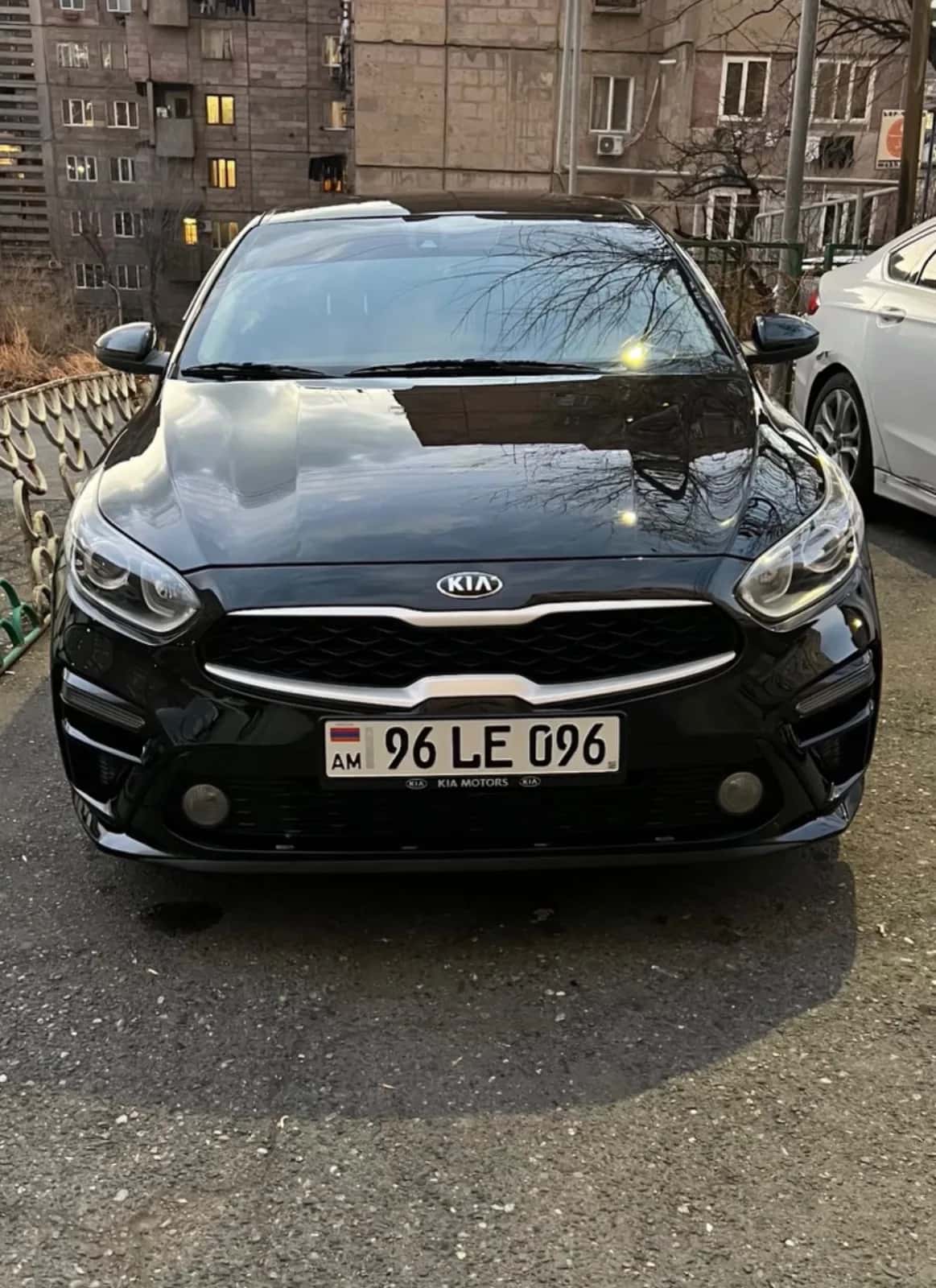
A blurry, dark or far-away shot doesn't show the car. Photos pulled from the internet, or pictures of someone else's car, get rejected too, because the renter has to see the very car they'll be driving.
Wrong city or price
If the car is in Gyumri but the ad says Yerevan, the renter will go looking in the wrong city. Price works the same way: the daily rate has to match the real terms. If you offer the car both with and without a driver, each option has its own daily price.
Details that don't match
Make, year, transmission and fuel type must match both reality and the registration certificate. A mismatch tells the admin something in the ad is wrong.
How to fix it: from the reason to the field
Every reason ties to a specific field, and that field is the only thing you should change. The table shows what to prepare before you resubmit.
| Reason the admin gave | What to change | What to prepare |
|---|---|---|
| Photo is unclear | Photos | New pictures in daylight |
| Photo isn't yours | Photos | Your own car's pictures |
| Wrong city | City | The city where the car really is |
| Wrong price | Daily price | The price with and/or without a driver |
| Details don't match | Car details | The registration certificate in hand |
| Certificate photo unreadable | Certificate photo | A new, sharp picture |
Photos
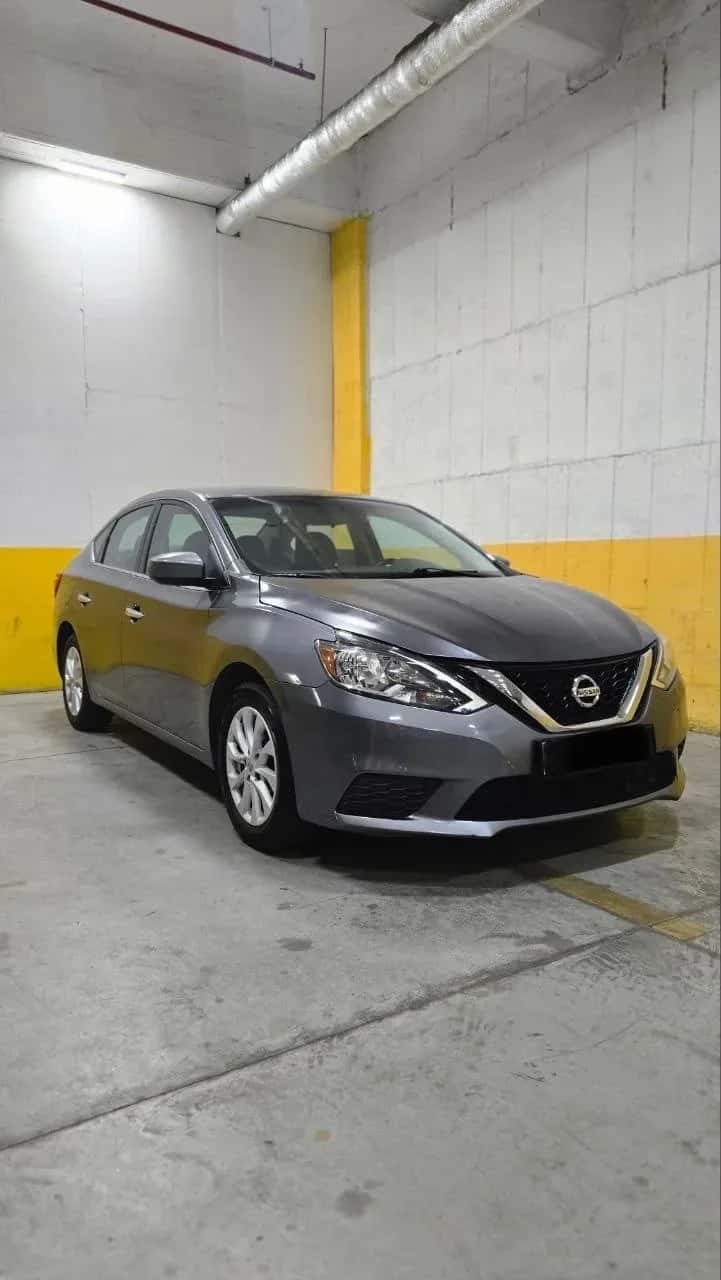
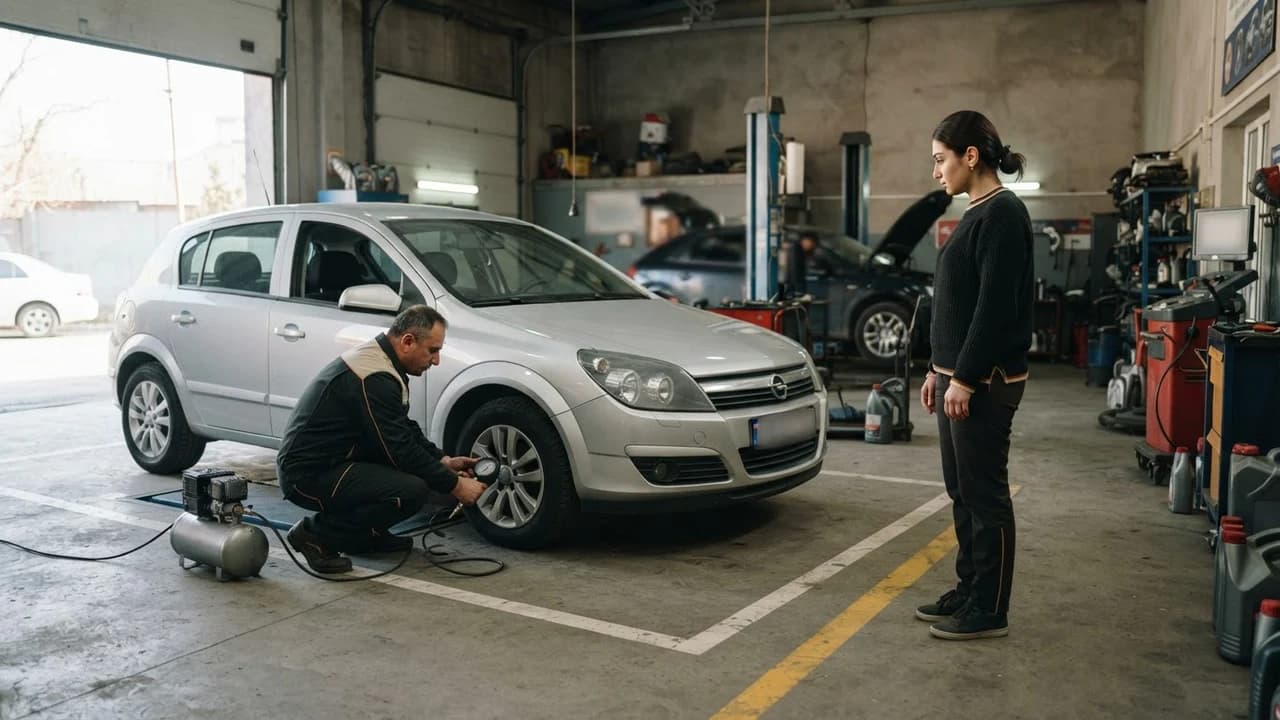
Shoot the car in daylight, clean, from several angles: front, side, rear and the interior. Photograph the car you'll actually hand over. Turn off filters and check that nothing is blurry.
City, price, car details
Open the registration certificate and compare it with the ad's fields one by one. If you offer the car both with and without a driver, fill in the two daily prices separately. Wedding and event cars always come with a driver. State the price the way you'll really agree it with the renter.
Photo of the registration certificate
Every line on the certificate must be readable, all four corners visible, and no glare across the paper. The "Verified" badge is given to an ad after an admin has checked the certificate. It isn't an inspection of the car or a guarantee.
Example 1: the admin wrote that the photos are unclear
The owner changes only the photos. The new ones are taken in daylight, of a clean car, from four sides (front, side, rear, interior), with no filters. Price and city stay as they were, then the ad goes back for review. That's the "fix only what's named" rule in practice.
Example 2: the admin pointed to a mismatch in car details
The owner opens the registration certificate and compares make, year, transmission and fuel type with the ad's fields, one by one. If the ad says "automatic" and the certificate or the car says otherwise, the field is simply corrected, no arguing. If the certificate is right but the car differs from it, write to JanCar and describe the situation.
Before you resubmit
- You've re-read the whole rejection reason.
- You've changed only the field that was named.
- The photos are of your own car (more on photos in a separate article).
- The certificate photo is sharp: every line readable, corners visible, no glare.
- The city, daily price (with and without a driver, if you offer both) and conditions match what you'll really agree with the renter.
How to resubmit for review
To send the ad back, correct the named field and confirm the change. The order is:
- Open the rejected ad in your personal account.
- Read the rejection reason again.
- Fix only that field or those fields.
- Compare what you entered with the registration certificate.
- Save and send it for review.
JanCar doesn't promise a review time, so don't plan a rental around the ad being "approved tomorrow". If the admin rejects it again, you'll get a new reason.
When your situation is different
The rejection lists several reasons
Fix every field named before you resubmit, or the ad may bounce back for the next reason. Go through the admin's text point by point and tick each field off as fixed.
The ad doesn't show up after you send it
While it's under review, renters can't see the ad, so don't tell anyone the car is "already posted". Any arrangement with a renter is made directly, by phone, and the renter should see the car and its documents before paying anything.
The second car was rejected
A rejected additional car doesn't by itself mean a new charge. The paid place of 3 900 AMD for 30 days applies to having an additional live car. Check the status of the place in your personal account and don't assume anything.
Free first car and the paid place: what a rejection doesn't change
The first car on JanCar is always free, and resubmitting a rejected first ad costs nothing. The fee has nothing to do with rejection.
Each additional live car needs a paid place: 3 900 AMD for 30 days. That applies only to the second and later cars.
Once approved, an ad stays visible for 30 days after its last refresh. The owner can press the "Refresh" button once a day, free of charge. JanCar never receives, blocks or holds any deposit or rental money. If you state a deposit, you arrange it directly with the renter, by phone.
When the reason isn't clear or you think they got it wrong
If the reason isn't clear, write to JanCar with the ad and the admin's text. If you think the admin made a mistake, back it up: attach a sharp photo of the certificate that confirms the detail you entered.
If it's rejected again after your fix, read the new reason, because it may differ from the first. If you've fixed everything and the reason is still the same, write to JanCar. We can't promise how a dispute will end, but the issue will be looked at.
Frequently asked questions
Why was my ad rejected?
JanCar admins review every new ad and give a reason when they reject one. Often it's an unclear or borrowed photo, the wrong city or price, or details that don't match the registration certificate. The reason for your ad is written next to it.
Do I pay anything to resubmit my first car's ad?
No. The first car on JanCar is always free, and resubmitting it after a rejection costs nothing. The **3 900 AMD for 30 days** applies only to an additional live car.
How long does the second review take?
JanCar doesn't promise a time. Send the corrected ad and wait for the admin's answer, which will be either approval or a new reason.
Where to go next
- Photos for a car rental ad: the shot list — if photos were the reason, this helps you reshoot them.
- Car details in a rental ad: a checking guide — helps you confirm the ad's details match the car.
- Ad review on JanCar: what is checked and how to get the "Verified" badge — explains what admins check and how the badge is given.
- The "Verified" badge on JanCar: what it means and what it doesn't guarantee — sets the right expectations about the badge.
- A problem with an ad or an owner: how to tell JanCar — the next step if the reason is still unclear after your fix.