
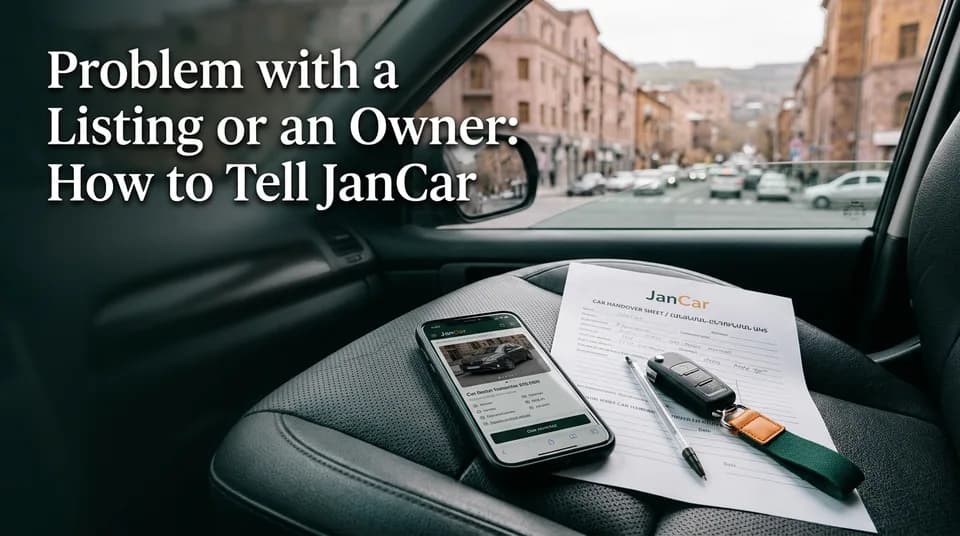
Problem with a Listing or an Owner: How to Tell JanCar
A misleading ad, a demand for prepayment, or trouble with an owner. Here's what to write to JanCar support, what evidence to keep, and where to turn if you've lost money.
6 min read
In this article
If you run into a misleading ad, suspect fraud, or have a problem with an owner, open the JanCar support page and fill in the contact form with the topic "Problem with an owner or a listing". Give the ad number, what happened, the dates, screenshots, and the phone number you spoke to. JanCar looks into your message and the ad, but it doesn't hold money, doesn't refund anything and doesn't settle disputes. For fraud or theft, go to your bank and the police.
When it's worth writing to JanCar
Write when the ad doesn't match reality, when you suspect fraud, or when an owner breaks what you agreed. JanCar is a classifieds board, so the ad itself is what matters most here.
A misleading or outdated ad
An ad is misleading when the photos, the price or the terms don't match what the owner tells you on the phone. Say the ad states "no deposit" and then the owner demands one on the call. Outdated ads belong in the same group: the car has long been taken or doesn't exist, but the ad is still showing.
Suspected fraud (prepayment, fake ad)
Suspicious ads usually share the same signs. The price is far too low, the car is never shown, they demand a prepayment to a card or by transfer, and they rush you with "today is the last slot". If an owner asks for money before you've seen the car, don't pay, and tell JanCar.
A problem with the owner
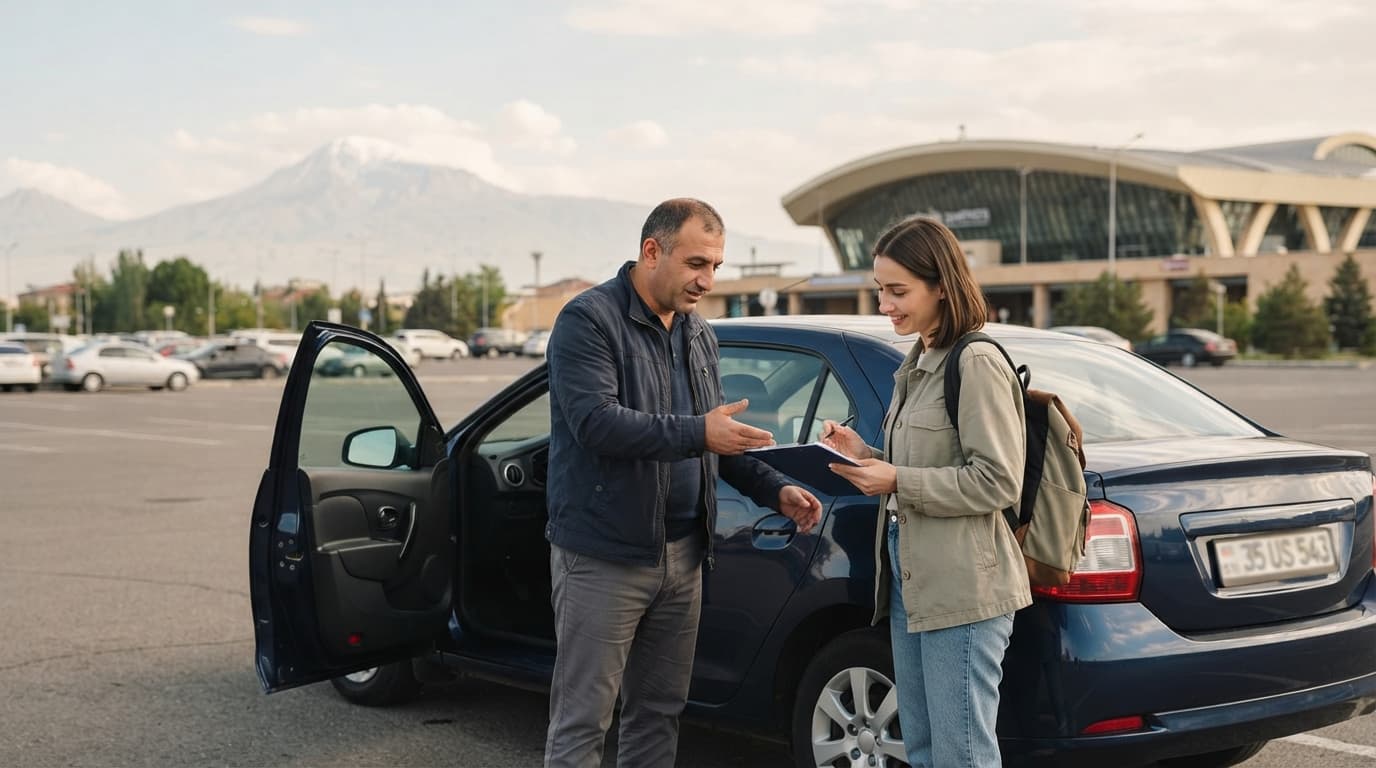
This means the ad may be genuine, but the owner broke the arrangement. They didn't show up at the handover point, changed the price, or added a condition that wasn't in the ad. Writing to JanCar helps with checking the ad, but you settle the dispute with the owner yourself.
How to report: the support form, step by step
To complain about an ad, fill in the contact form on JanCar's support page, with the right topic. There's no separate "report" button or chat here. The form is the one route. It's also what people land on when they search "report a car ad JanCar" or "пожаловаться на объявление JanCar": same form, same topic, and you can write in Armenian, Russian or English.
- Open the problem ad and save its number or link.
- Take screenshots before anything changes.
- Open the JanCar support page.
- Choose the topic "Problem with an owner or a listing".
- Fill in the message (a sample is below) and send it.
- Keep a copy of your message and any later correspondence.
We won't invent other ways to reach JanCar. If the support page lists another contact, use that.
What to write in the message
A good message is short and holds five things: the ad number, a description of what happened, the dates, screenshots and the phone number. With those, the JanCar team can find the ad and see what needs checking.
The ad number and link
Give the ad number and the page link. The owner's name is no substitute for the number, because one owner can have several ads. If you can't find the number, write the make of the car, the city and the daily price.
What happened and when
Describe it with facts, not verdicts: who said what, what they promised, when, and how. Add dates for the call, the agreement, the handover. Instead of "he's a scammer", write "On 3 June 2025 he demanded a prepayment to a card before I'd seen the car". A sentence like that can be checked.
Screenshots and the phone number
Attach screenshots of the ad (price, photos, text, date), the call history and any messages. Give the number you actually spoke to; the owner's number shows on JanCar once you sign in. If you paid anything, add the proof of payment and the signed agreement, if there is one.
Topic: Problem with an owner or a listing. Ad number: ___. What happened: ___. Dates: ___. Owner's phone: ___. Attached: ad screenshots, call log, proof of payment (if any).
What JanCar can do, and what it can't
JanCar can look into your message and the ad, but it isn't a party to the rental. New ads go through admin review, and your message is a reason to look at the same ad again. We don't promise a response time, because none is stated.
| JanCar can | JanCar can't |
|---|---|
| Look into your message and the ad | Refund money or a prepayment |
| Check whether the ad follows the rules | Settle a dispute between you and the owner |
| Treat the ad as grounds for further review | Hold or block a deposit or rental money |
| — | Verify people's identity or inspect the car |
Does JanCar refund money? Plainly, no. Money never passes through JanCar, so it can't give any back. By the same logic JanCar doesn't take a security deposit (money handed to the owner and returned when the car comes back). An owner may state one on the ad, and the two sides arrange it directly.
If money was sent or a car was stolen
If you've transferred money to a fraudster or a car was stolen, the first step is your bank and the second is the police. A message to JanCar replaces neither.
If you paid by card or transfer, call your bank at once and ask whether the transaction can be disputed. The Central Bank of Armenia site has general information, but your own bank tells you the exact steps. Report fraud or theft to the Police of the Republic of Armenia.
Before you go, keep all the evidence: ad screenshots, call history, correspondence, payment receipts, the signed agreement. An owner can edit or delete an ad. A screenshot stays.
How to cut the risk before your next call
The simplest rule: pay nothing until you've seen the car and its documents. The rest fits in a short list.
- Call to check the car is still free and the ad is current.
- Agree the price, deposit, mileage limit and handover place in writing, and sign a rental agreement or a receipt.
- Ask to see the car's vehicle registration certificate and the insurance policy. Don't assume what it covers.
- Never send a prepayment to someone you don't know.
- The "Verified" badge only means JanCar checked the car's registration certificate at moderation. It isn't an inspection or a guarantee.
Frequently asked questions
How do I report an ad on JanCar?
Open the JanCar support page, choose the topic "Problem with an owner or a listing", and give the ad number, what happened, the dates, screenshots and the phone number. No response time is promised.
Does JanCar refund money if an owner cheated me?
No. JanCar doesn't receive or hold money or a deposit, so it can't return any. If you've lost money, go to your bank and the police.
What should I do if an owner asks for prepayment before I've seen the car?
Don't pay. Ask to see the car and its documents first. If you're suspicious, tell JanCar through the support form and keep the evidence of the conversation.
Where to go next
- A trustworthy car ad on JanCar: what to check before you book — how to spot the signs of a misleading ad before you call.
- Is the car still free? How to judge how fresh an ad is and confirm by phone — outdated ads are among the most common reasons for complaints.
- No online booking: how to agree terms with a car owner reliably — how to put terms in writing so a dispute is easy to document.
- The "Verified" badge on JanCar: what it means and what it doesn't guarantee — the badge isn't a guarantee, so your own checks still matter.
- Renting a car from an owner: how JanCar works — a reminder that the deal is direct, with no payments or booking on JanCar.