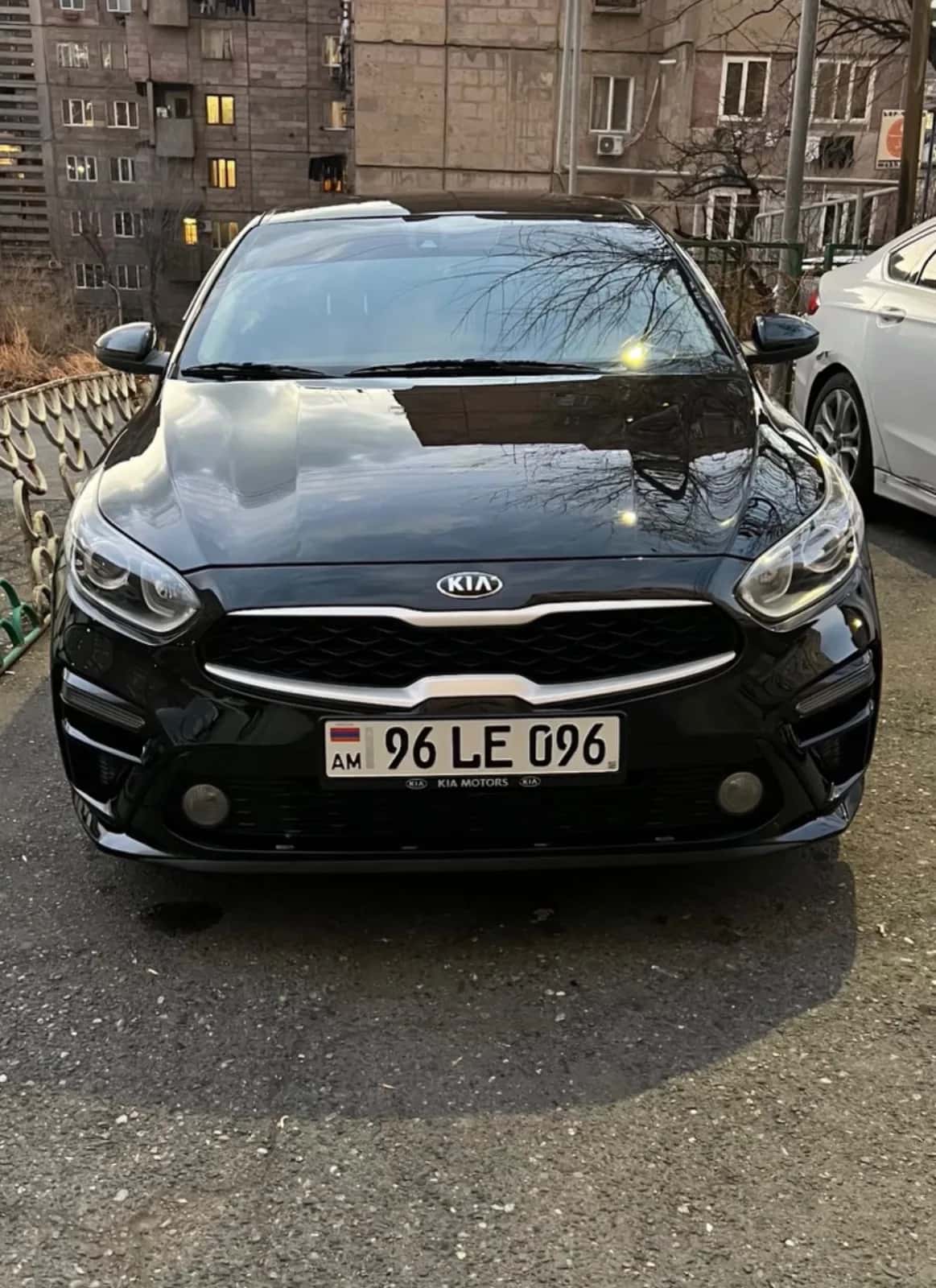

Rental Company Fleets on JanCar: How to Post and Manage Several Cars
One car, one ad. What a fleet costs on JanCar, how admins review new ads, and how to refresh every car at once before the 30 days run out.
10 min read

In this article
A rental company's cars go on JanCar as separate ads: one car, one ad. The first car is free. Every additional live car needs a paid place of 3,900 AMD for 30 days. Admins review new ads, and each ad has to be refreshed every 30 days. Renters call you directly.
This guide is for small companies that rent out more than one car and want to know how a fleet actually lives on a classifieds board.
How a fleet works on JanCar: one car, one ad
JanCar has no separate fleet page. There are as many ads as there are live cars. A renter browsing the catalog doesn't see your company, they see a specific car, with its city, specs and conditions.
Every car is its own ad
The ad states the city, the specs and your conditions: security deposit or none, mileage limit, minimum days, airport delivery, trips to Georgia. Renters filter the catalog by exactly these fields. Leave one empty and your car won't show up under that filter.
Admin review before a new ad goes live
Admins review every new ad, and each car goes through it separately. Add a second and a third car, and each one is moderated again. The "Verified" badge means the admins checked the car's vehicle registration certificate at moderation. It is not an inspection and not a guarantee.
What does it cost to post several cars?
The first car on JanCar is always free. Each additional live car costs 3,900 AMD for 30 days. The free place is a permanent rule, not a promotion. There's no special tariff for companies: the fee depends on the number of live cars.
Worked example: 3 and 5 live cars
It's simple arithmetic. One car is free, the rest are 3,900 AMD each.
| Live cars | Free | Paid | Cost for 30 days |
|---|---|---|---|
| 3 | 1 | 2 | 7,800 AMD |
| 5 | 1 | 4 | 15,600 AMD |
This is an illustration of the principle. Check the price in your account before you post.
What doesn't exist: discounts and a separate business account
Beyond the rules on this page, we don't list any discounts or a separate business account, and we don't promise them. Tax questions about rental income are outside JanCar. Check the current rules with the State Revenue Committee or an accountant.
Filling in the ad for each car
A good ad describes that one car: its own photos, its prices, its phone number. Three cars of the same model means three different ads.
Photos of the actual car, not from the internet
Use photos of the car itself. The renter should see at pickup what they saw in the ad. If the colour, the interior or the condition don't match, trust is gone on the first call.
Prices: with and without a driver, separately
A car can be offered without a driver, with a driver, or both, and each has its own daily price. You set the price. Wedding and event cars always come with a driver. If you offer the same car both ways, write both prices clearly so the call doesn't turn into confusion.
A contact number on every ad
The contact phone is set per ad. So you can send calls for one car to one manager and calls for another to someone else. Only signed-in visitors see the number, through the "Show number" button. Make sure whoever picks up knows which car the call is about.
Naming and describing several cars of the same model
If three ads read the same, the renter can't tell which car they're calling about. Separate them by what really differs: colour, year, body type, transmission (automatic or manual) and fuel. For example, one is "white, automatic, petrol", another "black, manual, diesel".
The same goes for the description: each ad's photos must show that exact car. That way the caller says which colour they want, and you know at once which ad they mean.
Example: a mixed fleet
Take a fleet of two cars without a driver and one wedding car with a driver. All three are separate ads, and you set the prices in the price field.
- First car (without a driver). Mark "without a driver", your daily price, the deposit (if you ask for one), the mileage limit and the minimum days. If you deliver to the airport and allow trips to Georgia, state both, otherwise the car won't appear under those filters.
- Second car (without a driver). Fill in the same fields with your terms for this car. If you don't allow Georgia, set the field accordingly so renters don't call for nothing.
- Wedding car (with a driver). Mark "with a driver", your price and what the price includes. This car shows up under the "with a driver" filter. A deposit usually isn't an issue for wedding cars, but that's your decision.
The result: a renter searching "without a driver" sees the first two cars, and someone looking for a wedding car sees the third. Each can have its own contact number.
Checklist before adding a new car
Before you post, check:
- the registration certificate is at hand, for moderation and the "Verified" badge,
- the photos are of that very car,
- the city and daily price are filled in,
- the deposit is clear (yes or no),
- the mileage limit and minimum days are set,
- the contact number is set and the person answering knows this car's terms.
Keeping ads live: refresh every 30 days
An ad stays visible for 30 days after its last refresh, so the fleet has to be refreshed within that window. In the "My ads" section there's a "Refresh all" button that refreshes every ad at once. Refreshing is free, possible once a day, moves the ad to the top of the list and extends visibility by 30 days.
A simple weekly rhythm for a fleet
The easiest way is to fix the days, say Monday and Thursday. That leaves 3-4 days between refreshes, far from the 30-day limit. On the same day, check that photos and prices are current and that someone is answering the phone. When you add a new car, remember its ad needs a refresh every 30 days too.
When the fleet changes or the deadline passes
A fleet rarely stays the same all year, and a deadline is easy to miss.
A car is temporarily not for rent
When a car is in the workshop or being sold, don't leave its ad in the catalog unattended. A renter will call about a car you can't hand over. The fee is counted by the number of live cars, so a change in that number affects the calculation. Check in your account exactly how and when before you pay or change an ad.
The same applies when the fleet grows: the next live car counts at 3,900 AMD for 30 days, and the new ad goes through moderation again.
30 days passed without a refresh
If you haven't refreshed an ad for 30 days, it disappears from the catalog. It's easy to miss, because the calls simply stop. Open your list in "My ads" and check that every car is live and recently refreshed.
Refresh before the deadline: it's free, possible once a day, and after the deadline the ad stays invisible. Put the refresh days in a calendar, using the rhythm above.
How renters reach you and what stays with the company
The renter finds the ad in the catalog, signs in, taps "Show number" and calls you. JanCar has no online booking, booking requests or chat: you agree everything by phone and in person.
Who answers the call
The company answers, not JanCar. Renters usually ask about the price, the deposit, the mileage limit, the driver's age and years of licence, the pickup place and whether they can go to Georgia. Align your answers with the ad beforehand, so the two sources never show different numbers.
A call script for managers
If several people answer calls, give them the same short list of questions. That keeps the answers consistent with the ad.
- Which car are you calling about (colour, year, transmission)?
- For how many days, and on which dates do you need the car?
- Do you need a driver, or will you drive yourself? If yourself, how old are you and how many years have you held a licence?
- Where do you want to pick up and return the car: in the city or at the airport?
- Do you plan to take the car to Georgia?
If the renter's answers don't fit the ad's terms, say so right away, at the start of the call, not at handover.
Prepayment: only after they've seen the car
Never ask a renter for prepayment before they've seen the car and its documents. The same rule works the other way: they have every right to ask to see them first. Agree the deposit and payment arrangements in person, at handover.
Contract, deposit and payment: between you and the renter
JanCar doesn't receive, block or hold any deposit or rental money. If you state a deposit in the ad, the two sides arrange it directly. JanCar doesn't vet the renter and makes no promise about insurance or dispute resolution.
Prepare a [handover checklist](/en/blog/rental-car-handover-return-checklist): photos of the car at pickup and return, the fuel level, and a short written agreement signed by both sides. Show the renter the insurance policy, without assuming what it covers.
The handover checklist in detail
At handover, go through these points for each car separately.
- Check the renter's driving licence and passport.
- Show the car's documents and the insurance policy.
- Photograph all existing damage, scratches, cracks and worn spots, at pickup and at return.
- Write down the fuel level.
- Exchange phone numbers you can reach each other on during the trip.
Ask the insurer what the policy covers and what it doesn't. Don't guess.
A short start list
Posting a fleet takes seven steps, and it's easier to do them in order.
- Pick your first car. It goes up free.
- Photograph that car yourself and fill in the ad: city, specs, prices, conditions.
- Set that car's contact number.
- Wait for the admin review.
- For the second and each further car, repeat the same steps: 3,900 AMD for 30 days each.
- Mark the refresh days in your calendar.
- In "My ads", use "Refresh all".
Frequently asked questions
How many cars can I post on JanCar?
Each live car is a separate ad: the first is free, the rest are 3,900 AMD for 30 days each. We don't state a maximum number.
Can I set a different phone number for each car?
Yes, the contact phone is set per ad. Only signed-in visitors see the number.
What happens if I don't refresh an ad within 30 days?
An ad stays visible for 30 days after its last refresh, so after that it no longer shows. You can refresh once a day with the "Refresh all" button.
Where to go next
- Your First Car on JanCar Is Always Free: How to Post the Ad — the steps for your first, free ad.
- Second and Further Cars on JanCar: A Paid Place for 3,900 AMD per 30 Days — details of paid places when the fleet grows.
- How to Write a Car Rental Ad Description on JanCar — for writing each car's description and conditions.
- Car Rental Ad Photos: The Right Order — the right sequence of photos for a specific car.
- The "Verified" Badge on JanCar: What It Means and What It Doesn't Guarantee — explains what the badge means for each car.
- GPS in Rental Cars and Privacy: A Guide