
Safe Storage of Renter Documents: A Guide for Car Owners
To store renter documents safely, request only the necessary data, use a protected channel, set access limits and a retention period, and check current privacy requirements at the time of publication.
6 min read
In this article
When storing renter documents, request only the necessary data, use a protected channel, set access limits and a retention period, and check current privacy requirements at the time of publication.
When you hand your car over for rent, you receive the renter's personal data. Storing that data safely is your responsibility, not the JanCar platform's. JanCar is a connecting platform — the car, price, deposit, insurance, and handover are confirmed through the listing, with the owner, and by contract.
In this guide, I explain which documents to request, how to receive and store them without risk, and when to delete them. At the end, you'll find a ready-made checklist for every step.
What documents you need from the renter
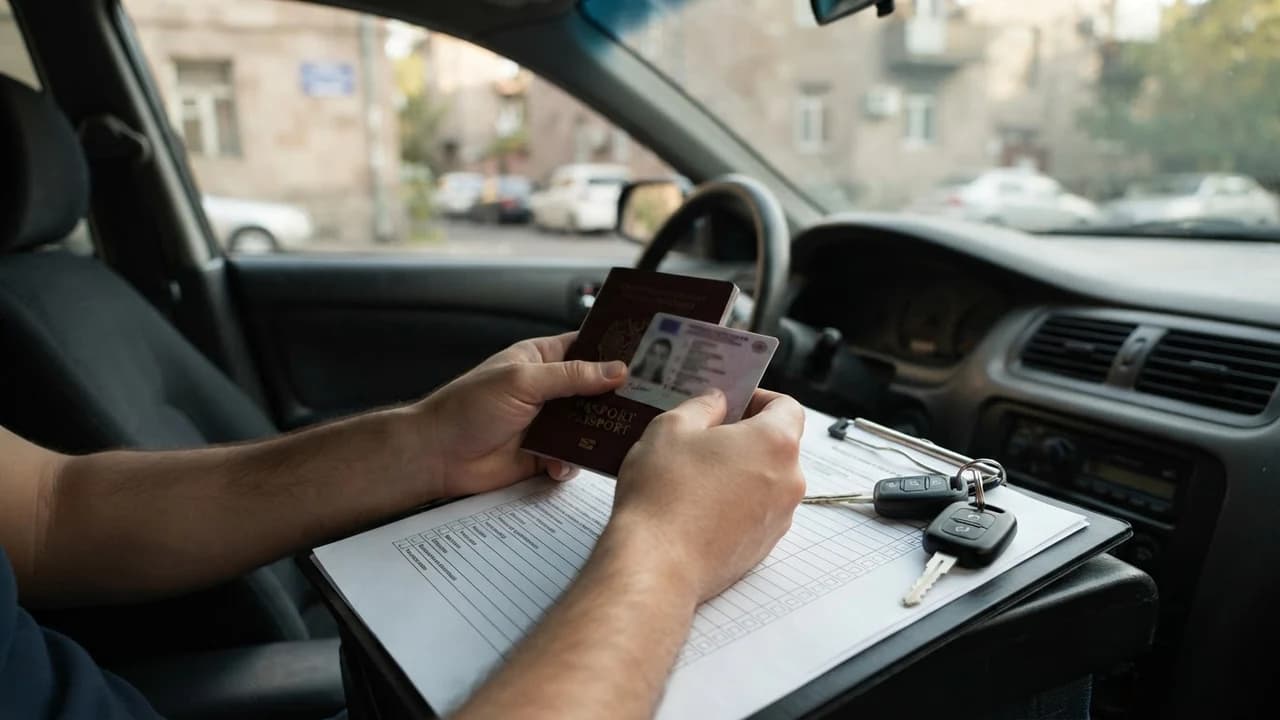
Request only three types of data from the renter: an identity document, a driver's licence, and contact details. No other personal data is required to formalize a rental agreement.
Identity document
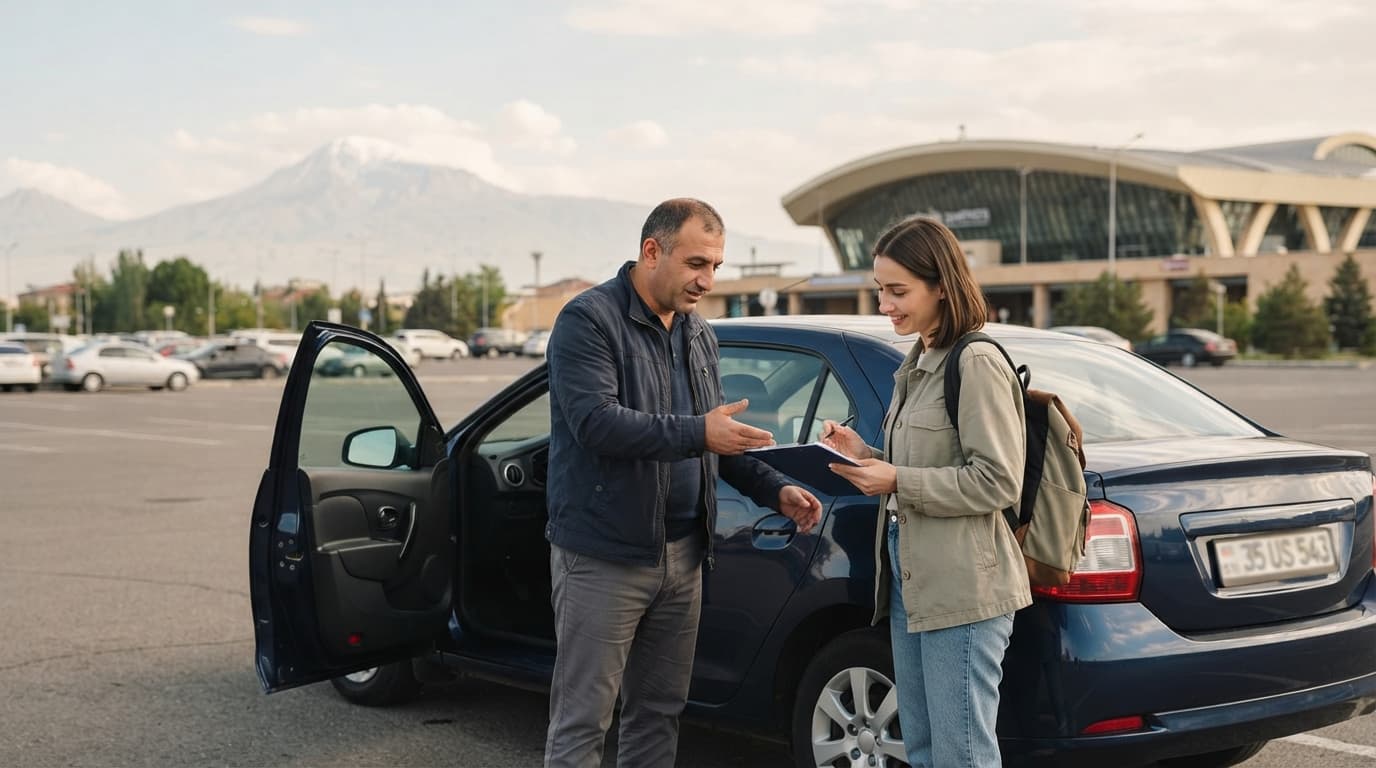
Ask the renter to show a passport or ID card. Check that the photo matches the person standing in front of you and that the name matches the details in the listing. Keeping a copy on your phone or computer is enough — there's no need to hold the original.
Driver's licence
Check the validity of the driver's licence at the time of handover. Pay attention to the expiry date and the driver's category — it must match your car. If the renter is a foreigner, ask about an international driver's permit or a document recognized as valid in Armenia.
Contact details
A phone number and an email address or messenger contact are sufficient. These are needed for communication and for reaching the renter at the time of return. It's unnecessary to request a workplace address, marital status, or other personal data.
Secure communication channels
Document transfer must happen through a protected channel where a third party cannot see your correspondence. Sending personal data through open social networks or public groups is dangerous.
JanCar in-platform communication
JanCar's in-platform communication is designed for discussing rental matters. Use it for initial arrangements, but for document transfer, an encrypted app is safer. Remember: JanCar does not store the content of your correspondence and does not verify transferred documents.
Encrypted apps
For sending document photos, prefer end-to-end encrypted apps such as Signal or WhatsApp. They protect the message content during transmission. Make sure you're contacting the right number — ask the renter to confirm you're writing to the right person.
What to avoid
Never send document photos through unsecured email addresses, social media messengers, or public forums. Also avoid leaving documents in the car without an agreement with the renter. If a renter refuses to send documents through a protected channel, that's a signal to be extra cautious.
Rules for storing documents
Store received documents in a separate, password-protected folder and set a clear retention period. No one but you should have access to those files.
Retention period
Keep documents only for the rental period and no more than a few weeks after it ends. This time is enough to resolve possible disputes or handle insurance cases. Long-term storage without necessity increases the risk of a data breach.
Limiting access
Keep the document folder on your personal device with password or biometric protection. Don't store it on shared computers, family devices, or public folders in cloud services. If your device is lost or stolen, change your passwords immediately.
Deletion after the rental ends
After the rental ends, delete all of the renter's documents from your devices. Also delete the communication history that contains personal data. This step protects both you and the renter.
Common mistakes and risks
The three most common mistakes are: requesting too much data, transferring through unsecured channels, and long-term storage. Each of these can lead to a data breach or legal problems.
Requesting too much data
The more data you request, the greater your responsibility. A passport copy, driver's licence, and contact are enough. Don't ask for a social card number, banking details, or other documents — they have nothing to do with the rental.
Transfer through unsecured channels
Sending document photos through social networks can lead to a data breach. If your account is hacked, the renter's personal data could be used for fraud. Always use encrypted apps.
Long-term storage
Keeping documents months after the rental ends is a risk without benefit. If a data breach occurs, you'll be responsible for documents you no longer needed to keep.
What to check in advance: privacy requirements
At the time of publication, check current data protection requirements in an official source, because laws can change. Don't rely on old articles or word of mouth.
Data protection law
In Armenia, the processing of personal data is regulated by law, which requires data minimization and secure storage. Check current requirements on the official Armenian legislation website, arlis.am, at the time you publish your article or draft a rental agreement. The official police website, roadpolice.am, can help confirm driver's licence requirements.
JanCar policy
JanCar does not store renter documents and does not verify them. Collecting, storing, and deleting data is entirely the owner's responsibility. You can state in your listing which documents you'll request, but their security is your job.
Frequently asked questions
Can I keep a copy of the renter's passport in the car?
No. Keeping documents in the car is dangerous — the car could be stolen or broken into. Keep documents on your password-protected device and delete them after the rental ends.
What should I do if the renter refuses to provide documents?
If a renter refuses to show an identity document or driver's licence, don't hand over the car. Checking documents is a mandatory step for your safety.
How long should I keep the renter's documents?
Keep them during the rental and for a maximum of two to three weeks afterward. This time is enough to resolve possible disputes. Longer storage without necessity increases the risk.
Related search paths
Continue the topic with these verified related guides.
This is general information. JanCar does not receive or hold a vehicle deposit. Check price, deposit, insurance and every other term on the listing and directly with the owner.
More JanCar guides
Continue with these closely related practical guides.
Frequently asked questions
Can I keep a copy of the renter's passport in the car?
No. Keeping documents in the car is dangerous — the car could be stolen or broken into. Keep documents on your password-protected device and delete them after the rental ends.
What should I do if the renter refuses to provide documents?
If a renter refuses to show an identity document or driver's licence, don't hand over the car. Checking documents is a mandatory step for your safety.
How long should I keep the renter's documents?
Keep them during the rental and for a maximum of two to three weeks afterward. This time is enough to resolve possible disputes. Longer storage without necessity increases the risk.
Where to go next
Sources
- JanCar — how it works
jancar.am · official source
- JanCar car catalogue
jancar.am · official source