
Checking a Rental Car's MTPL Insurance: 4 Steps
Before you drive off, check four things: the policy is active, the plate matches, the dates cover your whole rental period, and your driver status is confirmed.
6 min read
In this article
Before you drive off, check four things: the policy is active, the plate matches, the dates cover your whole rental period, and your driver status is confirmed.
Checking a rental car's MTPL insurance means verifying four things: the policy is active, the car's license plate matches the one listed on the policy, the coverage period spans your entire rental, and you are named as a driver or your driver status has been confirmed with the owner. It takes five minutes, but after an accident it determines who bears responsibility.
What Is MTPL and Why It Matters for Renters
MTPL (mandatory third-party liability insurance) is compulsory insurance in Armenia that covers damage you cause to third parties through your fault — injury to life, health, or property. By law, every moving vehicle must carry a valid MTPL policy. You can find the current law in Armenia's legal information system at arlis.am (checked June 2025).
Here's what matters for you as a renter: MTPL does not cover damage to the rented car itself. That's handled separately — through CASCO, a security deposit, or the owner's own rules. So checking the MTPL protects you from liability toward third parties, but it doesn't replace your rental agreement.
Before booking, ask the owner whether the car has MTPL coverage and whether the policy will remain valid for your entire rental period. It's a normal question, and a serious owner answers it without hesitation.
Step-by-Step Checklist: 4 Things to Verify
Do the check when you pick up the car — before you sit in the driver's seat. All you need is your phone and the car's plate number.
1\. The Policy Is Active — Check via src.am
In Armenia, an MTPL policy's validity is checked through the official online system, src.am (checked June 2025). Open the site, enter the car's license plate, and see whether an active policy exists.
If the owner gives you a policy number or a PDF of the electronic policy, compare the details against the src.am result. A screenshot doesn't replace an official check.
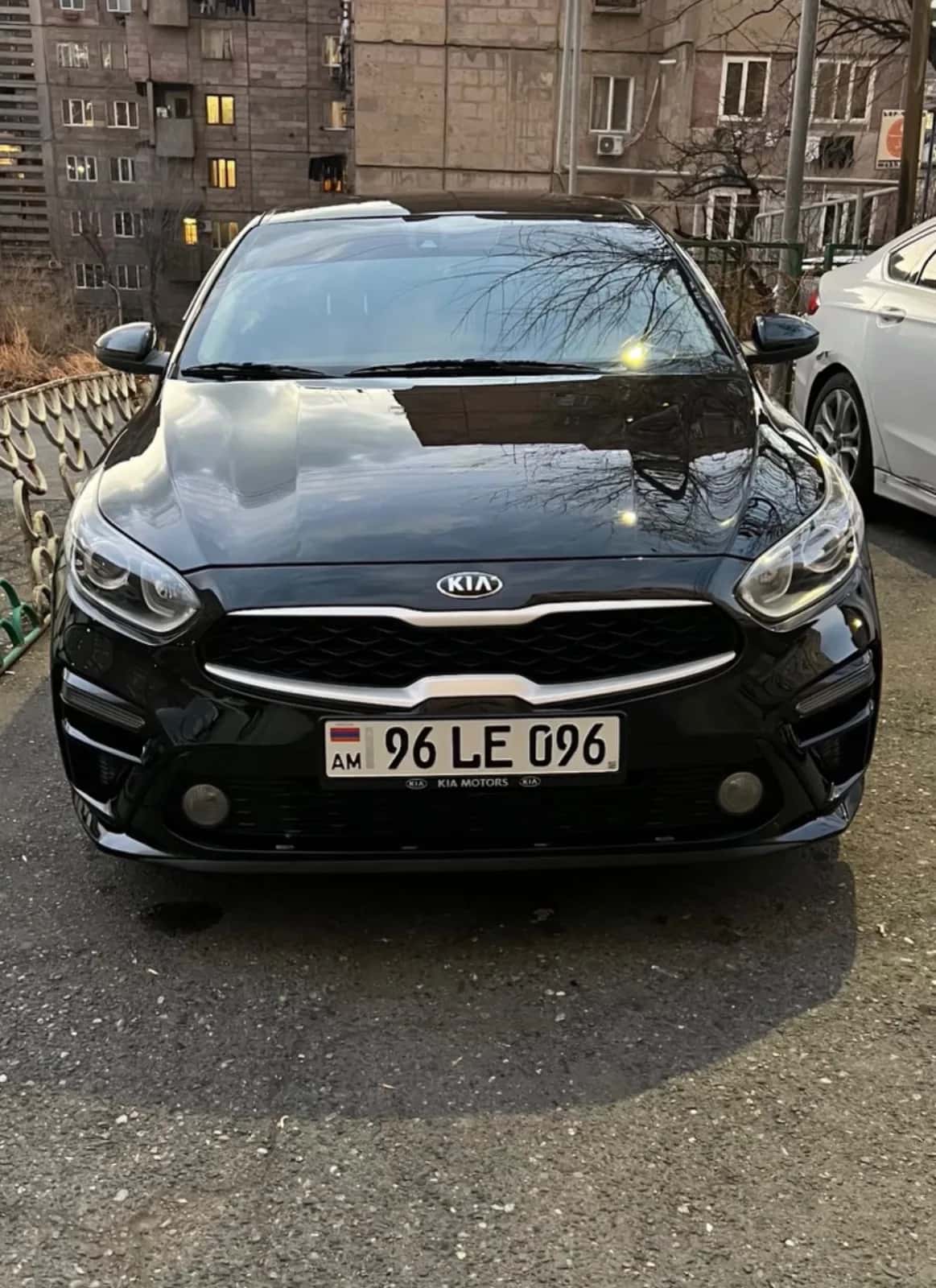
2\. The Plate Matches the Car
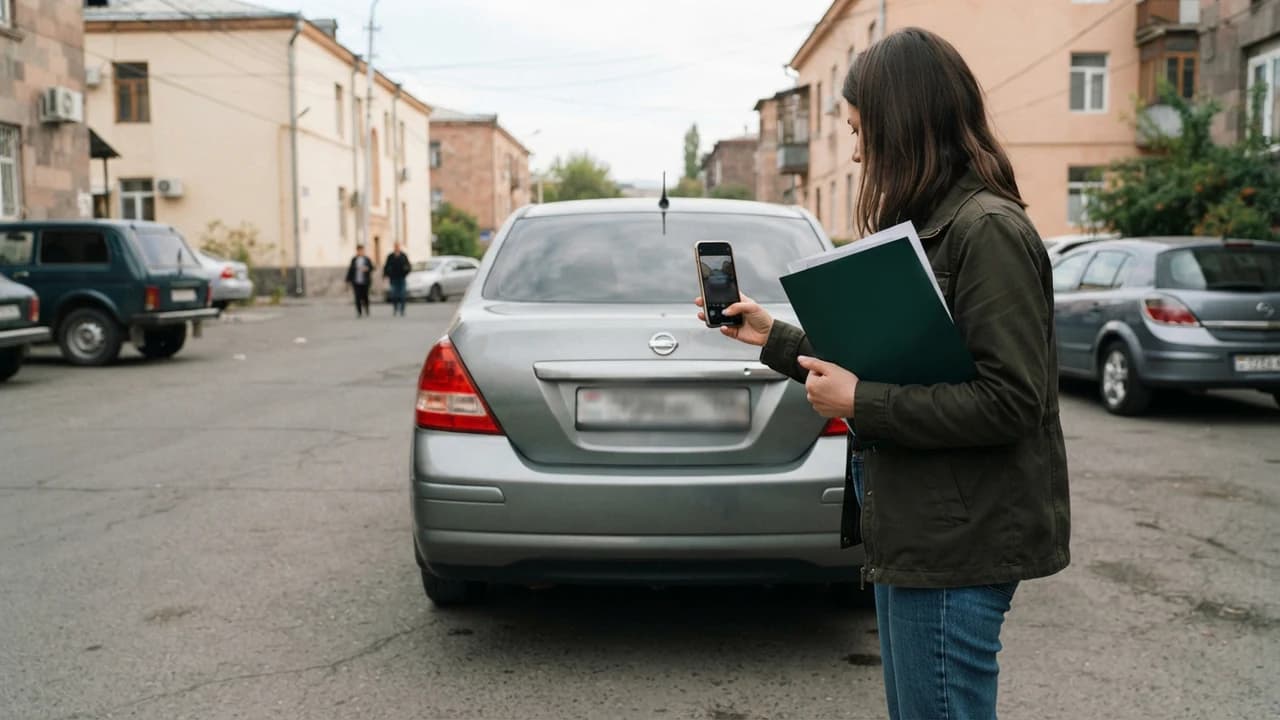
A policy is tied to a specific vehicle. Walk out, read the car's plate, and compare it against the policy or the src.am result. A single mismatched digit is enough for the policy not to apply in your case.
If the car was recently re-registered, ask for an updated policy. Driving a car whose plate doesn't match is your risk, not the platform's.
3\. The Dates Cover Your Entire Rental Period
Look at the policy's start and end dates. The last day of your rental must fall within the policy's term — including the return day. For longer rentals, ask how renewal will be arranged.
Keep this in mind: every kilometre driven after the policy expires carries no insurance coverage. This is one of the most common causes of disputes.
4\. Driver Liability and Your Status
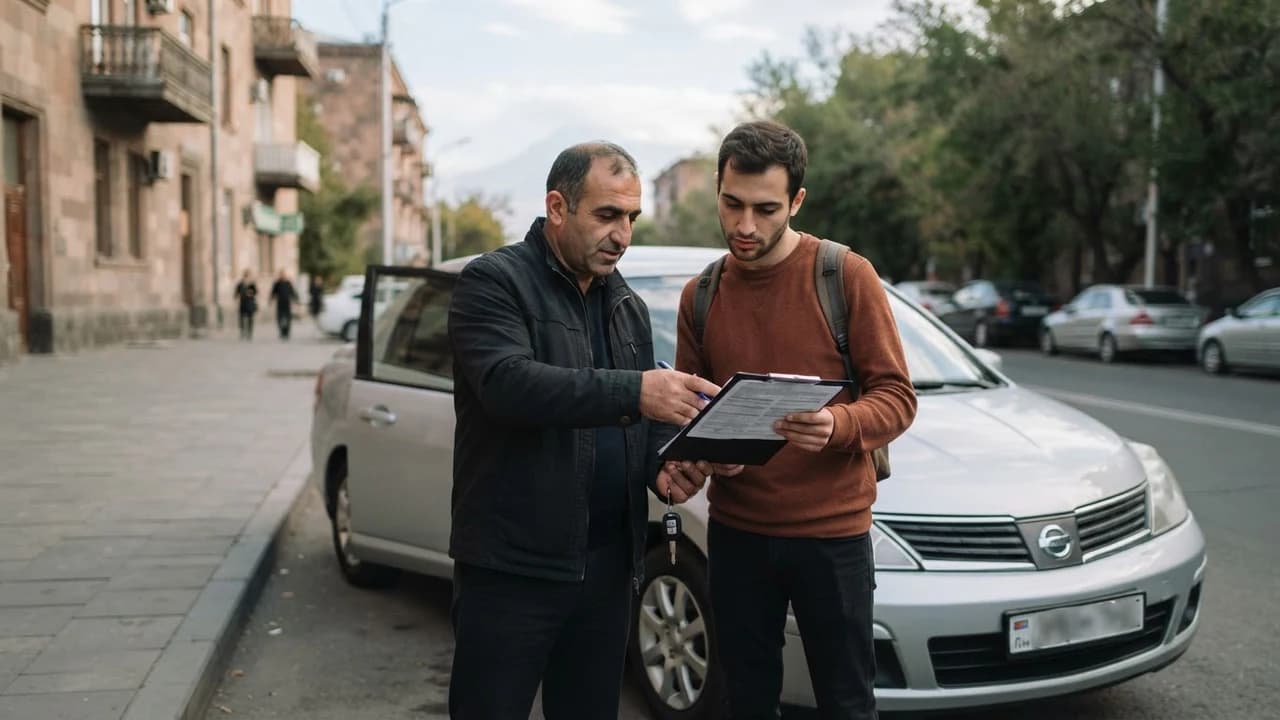
Clarify with the owner who is named as the driver on the policy, or what terms apply to renters. Ask directly: "If I have an accident, what liability do I bear?" Record the answer in the rental agreement or the handover act.
If several people will drive the car, settle that in advance too. Who may drive is the owner's condition, not a platform rule.
Check
How
If It Doesn't Match
Policy is active
src.am by plate number
Don't drive; clarify with the owner
Plate number
Compare against the car
Request an updated policy
Dates
Start/end vs. rental period
Agree on renewal
Driver
Ask the owner
Record it in the agreement
What to Clarify with the Car Owner
Ask the owner (the host) about five points: the policy number or a copy of the electronic policy, the coverage period for your dates, your driver status, the deposit terms, and the procedure if an accident happens.
On deposits, remember one clear rule: JanCar does not receive, block, or hold a security deposit. If a deposit is stated on a listing, its amount and handling are arranged directly between you and the owner.
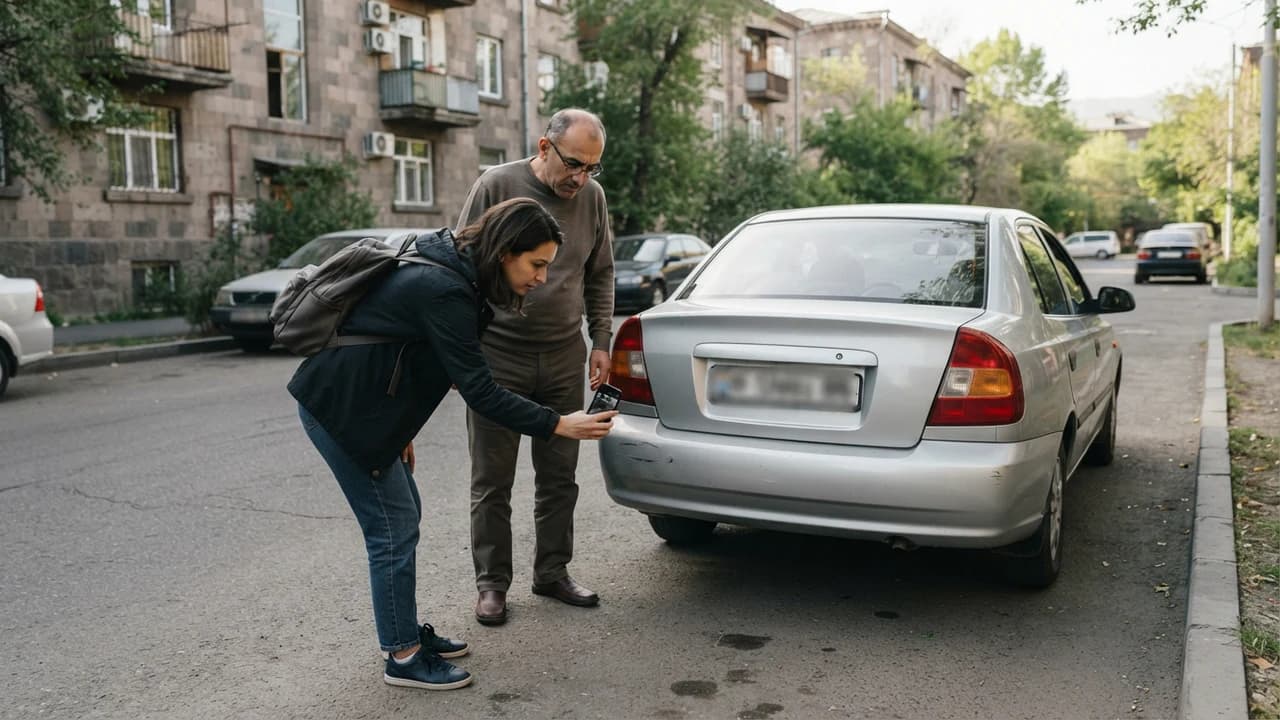
We recommend photographing the car from all sides at handover, recording the fuel level, and signing a handover act with both parties' signatures, noting any existing damage. It's optional, but it cuts down disputes.
Price, Terms, and the Main Risks
An MTPL policy's price depends on the car, the drivers, and the chosen coverage level, so we won't quote a figure — it varies and is checked with the insurance company. For renters the rule is simple: the MTPL cost usually falls to the owner, but that's a term you confirm via the listing and the agreement.
There are three main risks: an expired policy, a mismatched plate, and an unconfirmed driver status. In each case, the renter can be left without coverage — often without even suspecting it.
MTPL does not cover damage to the rented car itself. If you want broader protection, ask the owner whether CASCO applies and under what conditions. Read the coverage details from the policy itself, not from assumptions.
JanCar's Role and Its Limits
JanCar is a marketplace connecting people renting cars and hosting cars in Armenia. The vehicles belong to independent owners; price, deposit, insurance, and handover terms are set by the listing, the owner, and the agreement — not by the platform.
JanCar gives no guarantee that any particular policy is valid, and it holds no deposits. That's why the checklist above is your own tool: it works for any rental, regardless of platform.
Frequently Asked Questions
How do I check an MTPL policy online in Armenia?
Open the official src.am system, enter the car's license plate, and review the result. Compare the plate, dates, and policy status against your rental details.
What if the policy expires mid-rental?
Contact the owner immediately and don't drive until it's resolved. Find out whether the policy will be renewed or the rental ended, and put the agreement in writing.
Is the owner's word that the car is insured enough?
No. Their word is a good sign, but run the check on src.am and request the policy number or an electronic copy. Five minutes of checking protects you.
Related Reading
Continue with these verified related guides.
- Rental Car Insurance: MTPL, CASCO, Deposit, Handover Act
- Renting a Car in Armenia: A Guide with JanCar
This is general information. JanCar does not receive or hold a vehicle deposit. Check price, deposit, insurance and every other term on the listing and directly with the owner.
Frequently asked questions
How do I check an MTPL policy online in Armenia?
Open the official src.am system, enter the car's license plate, and review the result. Compare the plate, dates, and policy status against your rental details.
What if the policy expires mid-rental?
Contact the owner immediately and don't drive until it's resolved. Find out whether the policy will be renewed or the rental ended, and put the agreement in writing.
Is the owner's word that the car is insured enough?
No. Their word is a good sign, but run the check on src.am and request the policy number or an electronic copy. Five minutes of checking protects you.
Where to go next
- Checking a Rental Car's Trunk Size
- Checking a Rental Car's Documents at Handover: Registration Certificate, OSAGO and Power of Attorney
- Checking a Rental Car's Fuel Type: 4 Steps
- Checking a Rental Car's Documents at Handover: Registration Certificate, OSAGO and Power of Attorney