
"Show number": Why an Owner's Phone Number Only Appears on JanCar After You Sign In
On JanCar the owner's number stays hidden until you sign in. Here's how to see it, what the site doesn't offer, and what to do when the number isn't available yet.
8 min read
In this article
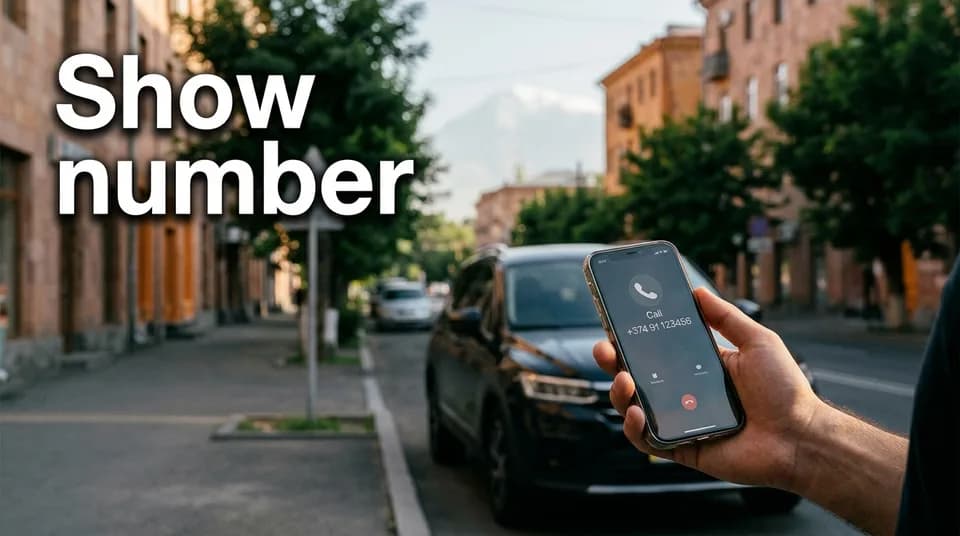
On JanCar the owner's phone number stays hidden until you sign in, either with Google or with your email and a one-time code. Once you're in, the "Show number" button reveals an ordinary phone number, and tapping it starts the call. The number is hidden to protect owners from spam and automated number harvesting.
What the "Show number" button does
The button opens the number for the ad you're looking at, and only for a signed-in user. Before you sign in, you can browse the car freely: the city, the specs, the price and the owner's conditions are all visible. Only the number isn't.
If you're not signed in, the button will ask you to sign in. That's a one-time step, and afterwards you can open the numbers on other ads from the same device. The site is in Armenian, Russian and English, and the button does the same thing in all three (in English it reads "Show number").
How to sign in: Google, or email with a one-time code
There are two ways in: a Google account, or an email address with a one-time code. Pick whichever is easier for you.
Signing in with Google
Choose Google sign-in, pick your account and confirm. You'll land back on the same ad, and the button will work. If you have trouble with your Google account itself, Google Account Help explains how to sign in and recover it.
Signing in with email and a one-time code
Enter your email address and a one-time code will be sent to it. Open the email, type the code into the site, and you're signed in. There's no password to remember.
If the email doesn't arrive, check your Spam folder and make sure you typed the address correctly. And don't share the code with anyone. It's meant for you alone.
What you see after signing in, and what isn't there
After signing in you see an ordinary phone number. On a phone, tapping it starts the call automatically. That's the whole process.
There are no WhatsApp or Viber buttons on the site. There's also no chat, no place to send messages, no booking request and no payment. JanCar is a classifieds board: you agree everything with the owner by phone and in person.
When the number is JanCar's support line
In some ads the number isn't the owner's personal one but JanCar's support line. At the start of the call, ask who you're speaking with. Then settle the terms for that specific car: the price, the security deposit (the amount the owner asks for, if there is one), the mileage limit and the handover place.
The "Verified" badge means JanCar checked the car's registration certificate at moderation. It is not a technical inspection, and it is not a guarantee.
Why the number is hidden: protecting owners from spam and harvesting
Open numbers end up on spam lists easily. Programs can collect hundreds of them automatically (this is called scraping) and use them for advertising calls or fraud.
Requiring a sign-in makes that harder. It lowers the risk, but it's not an absolute guarantee. In practice, the owner mostly gets calls from people who are actually looking for a car.
The number doesn't show, or says "not available yet": what to do
If the number doesn't appear, or the site says it isn't available yet, work through this in order.
- Check that you're signed in. If not, sign in again.
- Try again a little later. The number may not have appeared yet.
- Open a similar car in the JanCar catalog, using the city, price and rental type filters.
- Don't look for the number anywhere else, and don't pay anyone for it.
That last point matters. The number is shown for free, and nobody can "sell" it to you.
Shared device, several accounts or a wrong code
If several people use the same device, sign in with the Google account or email you used before. That way you won't lose track of which account you were in. On a shared computer, sign out when you're done.
If the one-time code isn't accepted, it has expired or you mistyped it. Don't retry the old one. Request a new code and use the one from the latest email. We don't state how long a code lasts; the site shows that during sign-in.
What to prepare before you call
Prepare five things before you dial, and the conversation will take minutes, not half an hour.
- The ad number shown on the page.
- The dates and the city: when and where you need the car.
- The rental type: without a driver or with a driver.
- The number of days.
- The pickup place.
Keep your driving licence at hand. Decide in advance, too, whether you need delivery at the airport and whether you're planning a trip to Georgia. These conditions are listed in the ad, but confirm them by phone.
The first 30 seconds of the call: an example
A good call is short: greeting, ad number, dates, then a question about who you're talking to. This is an example, not a required script, and there are no prices in it.
"Hello. I'm calling about a JanCar ad, number [number]. Is the car free from January 10 to 14?" "Hello. Yes, it's free." "Could you tell me who I'm speaking with, the owner or the support line?" "The owner." "Thank you. Do you ask for a deposit, and how much? Is there a mileage limit? What's the minimum number of days you rent for?"
Write the answers down and compare them with the text of the ad. If something doesn't match, ask which one applies.
If the owner doesn't answer
If the owner doesn't pick up, try again later in the day, but don't call back-to-back. They may be driving, working or on another call.
In the meantime, open 2-3 similar ads in the catalog. Use the filters: city, rental type, no deposit, unlimited mileage, airport delivery, Verified. Write down the ad numbers of the cars you pick, so you don't have to search again.
An ad stays visible for 30 days after the owner's last refresh. So silence doesn't mean the car is free, and a visible ad doesn't mean the car hasn't been rented. Availability is confirmed only after you've spoken to the owner.
Why you should give the ad number on the call
Say the ad number at the start of the call so the owner or the support line knows which car you mean. One owner may have several cars or several ads, and "is the car still free?" is vague without a number.
If the owner has several cars, say exactly which car and which ad you're asking about. The price can differ too, because "without a driver" and "with a driver" each have their own daily price. Wedding and event cars always come with a driver. Ask what the driver's price includes, and settle that directly.
After the call, you agree everything directly with the owner: price, deposit, mileage limit, handover, return. JanCar doesn't hold a deposit or rental money, doesn't provide insurance, doesn't mediate disputes, doesn't refund money and doesn't guarantee that a car is free.
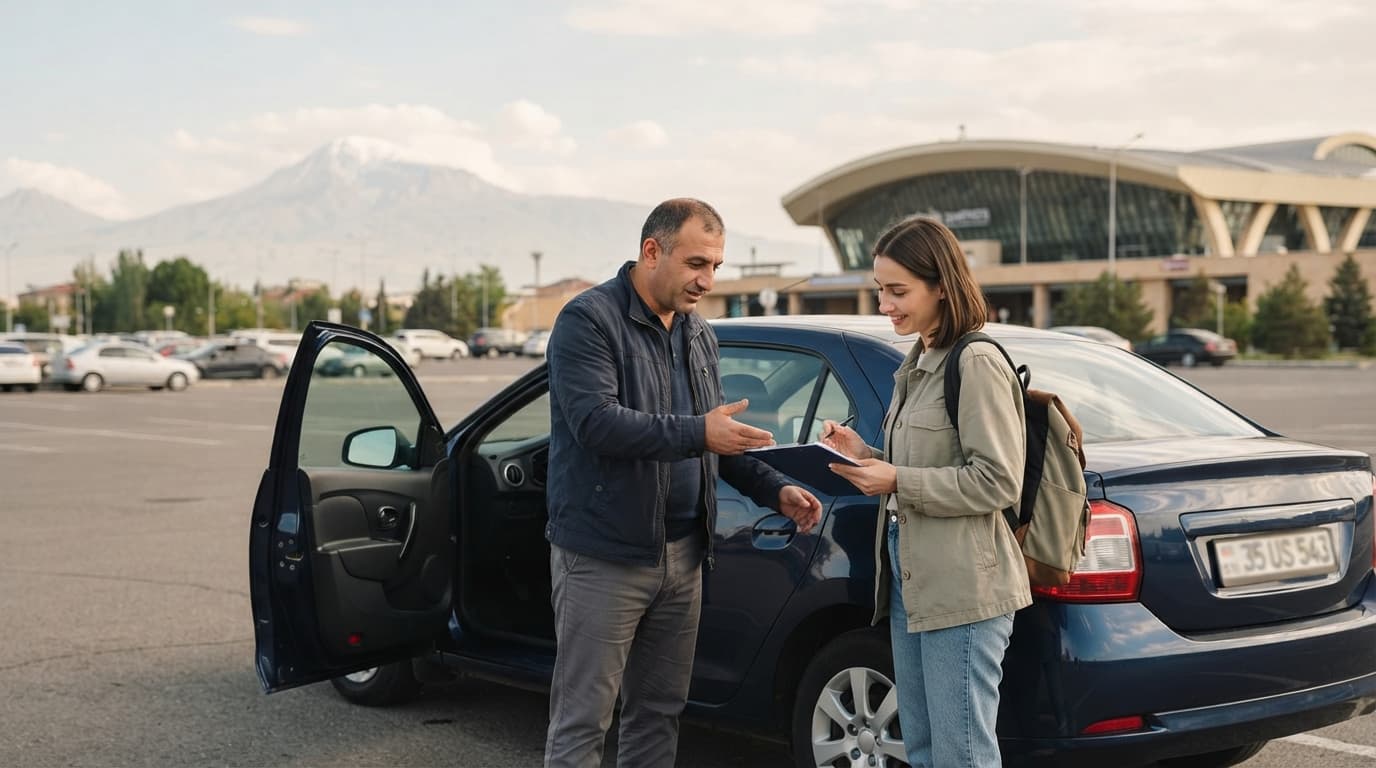
Don't prepay before you've seen the car and its documents. At pickup, photograph the car, note the fuel level, and have both sides sign a short written agreement.
What to check at the meeting
Check three things before you sign or pay anything.
- The registration certificate matches the car in the ad.
- The car's condition matches the photos.
- The fuel level is noted, and you've seen it yourself.
Read the written agreement before you sign it. Pay nothing before you've seen the car and its documents. The "Verified" badge only shows that the registration certificate was checked at moderation. It's not an inspection or a guarantee.
For owners
If you're an owner, your first car on JanCar is free. Each additional live car needs a paid place: 3,900 AMD for 30 days. You can refresh your ad once a day, which keeps it visible and your number available to interested renters.
Frequently asked questions
Is there a WhatsApp or Viber button on JanCar?
No. The site shows only an ordinary phone number, and tapping it starts a call. There's no chat, no messaging and no booking requests either.
Can I see the number without signing in?
No. The number is shown only to a signed-in user, via Google or email with a one-time code. An anonymous visitor sees the ad but not the number.
Why is the number JanCar's support line instead of the owner's?
Some ads list the support line itself. At the start of the call, ask who you're speaking with, and confirm the terms for that specific car.
Where to go next
- A trustworthy car ad on JanCar: what to check before you book — what to check in an ad before you reveal the number and call.
- Renting a car from an owner: how JanCar works — the whole process, of which "Show number" is one step.
- JanCar filters: how to quickly find the right car by city, price and rental type — useful when the number isn't available and you need a similar ad.
- How to write a car rental ad description on JanCar — for owners: what the renter sees before calling.
- The "Verified" badge on JanCar: what it means and what it doesn't guarantee — what the badge covers and where it stops.