
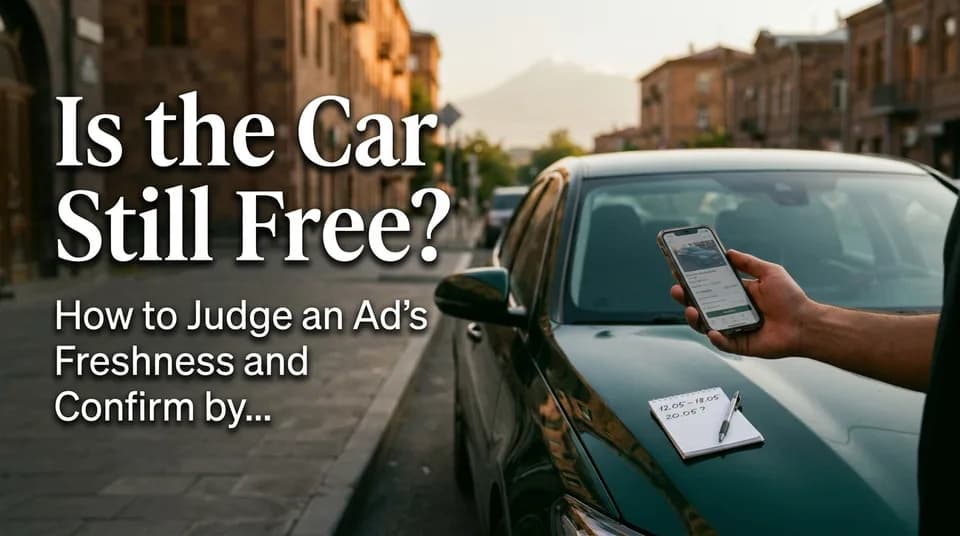
Is the Car Still Free? How to Judge an Ad's Freshness and Confirm by Phone
An ad is visible on JanCar, but that doesn't mean the car is free on your dates. Here's how to confirm by phone, and why you shouldn't pay anything upfront.
9 min read
In this article
On JanCar, an ad stays visible for 30 days after the owner's last refresh, and by default the most recently refreshed ads show first. But whether the car is free on your dates can only be confirmed by phone, because there's no booking calendar. Checking availability is one short call: exact dates, plus a few questions.
A visible ad doesn't mean the car is free
A visible ad tells you one thing: the owner refreshed it within the last 30 days. It doesn't say the car is free on your dates.
JanCar is a classifieds board. There's no booking calendar, no booking, no chat. An owner may already have handed the car to someone else, by phone or in person, and not yet taken the ad down. Owners can refresh once a day, so a fresh ad shows the owner is active, not that your days are open.
To see the number, open the ad, sign in and call the owner directly. Everything else (price, deposit, time, place) you settle with them.
How to judge an ad's freshness
Freshness shows in where the ad sits in the list and in how well its terms match what you hear on the phone. No sign replaces the call, but the signs help you start with the right ad.
What the ordering tells you
The default ordering pushes recently refreshed ads to the top. Cars near the top are usually actively offered, and their owners are probably easy to reach.
An ad further down may have been last refreshed up to 30 days ago. It's still valid, but the owner may already be busy. A high position means better odds, not a guarantee.
Signs an ad may be out of date
A stale ad often gives itself away on the call. Watch for these:
- The owner's phone is off, or nobody answers for a long time.
- The price, deposit or mileage limit on the phone differs from the ad.
- The owner doesn't remember which car you mean. The ad may not have been touched in a while.
- The ad sits low in the list, while the same filters show much fresher options above it.
One of these signs doesn't make the ad bad. Just form your opinion after the call, from the whole picture.
What to ask on the call, for your exact dates
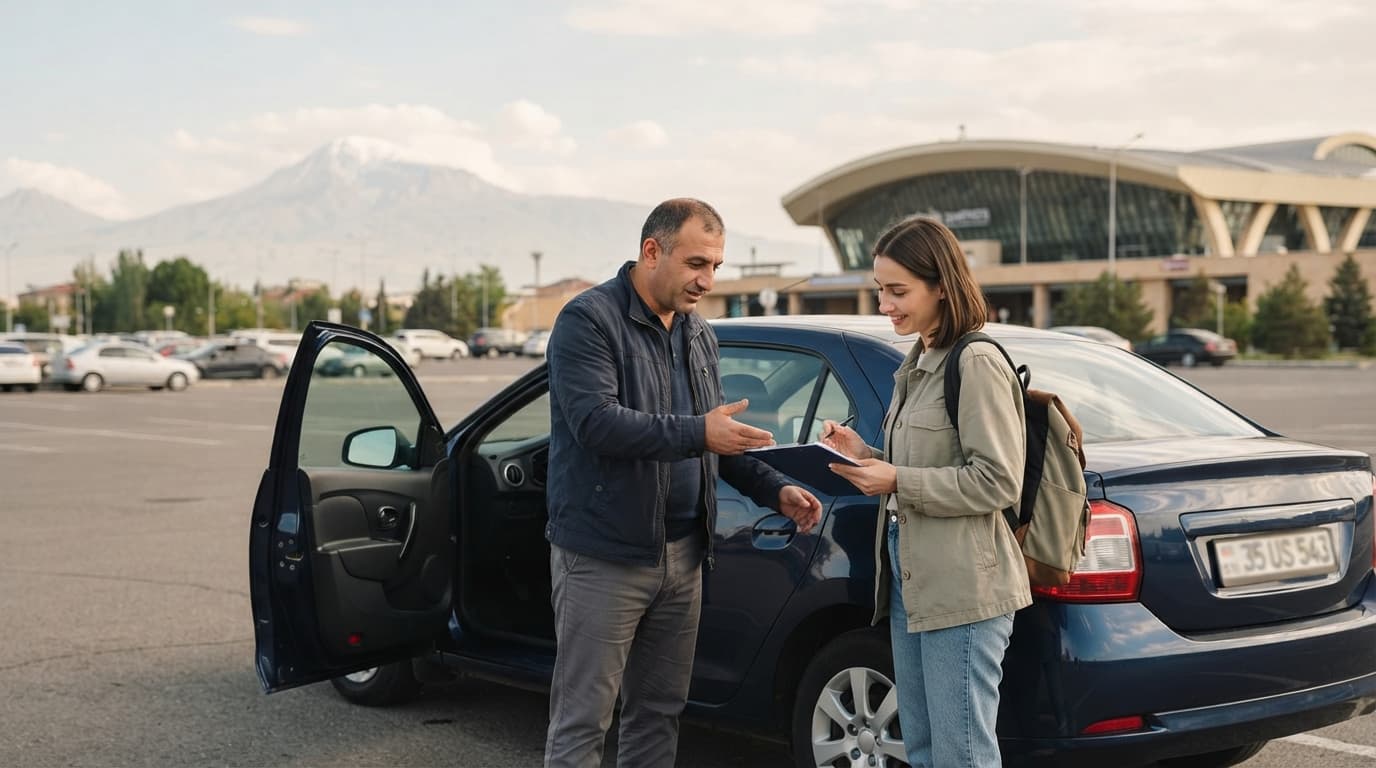
Open the call with exact dates and ask whether the car is free on them. "Is it free next week?" doesn't work, because the owner can't know which days you mean.
A ready script:
- Say you're calling about a JanCar ad, and name the car and the city.
- Ask whether the car is free from an exact start date and time to an exact end date and time.
- Confirm the pickup city or place, for example Yerevan or Zvartnots International Airport, if the ad mentions airport delivery.
- Ask whether the offer is with a driver or without, and what the daily price is for your dates.
- Ask about the security deposit (money the owner asks for, returned when you bring the car back) and the mileage limit.
- Ask which documents you need: a driving licence and an ID.
Right after the call, write down the dates, time, place, price and deposit. Send them to the owner by SMS or messenger and ask for a confirmation. That happens outside JanCar, between you and the owner.
A sample call with exact dates
Give the date and time in one sentence, start and end together. The dates below are made up, and the price and deposit are whatever the owner tells you.
"Hello, I'm calling about the JanCar ad for the Toyota Camry in Yerevan. Is the car free from November 14 at 10:00 until November 17 at 18:00, without a driver?"
"Yes, it's free."
"Thank you. What's the daily price for those dates, and do you ask for a deposit? Can we meet in Yerevan on November 14 at 10:00?"
Notice that both dates come with a time. That heads off a misunderstanding when the return is a few hours late and the owner counts it as an extra day. Ask about that too.
After the call: an SMS confirmation template
The confirmation should sum up what you agreed. Fill in only what the owner actually said. Assume nothing.
- car: make and model, city,
- start: date and time,
- end: date and time,
- pickup and return place,
- daily price, and which option it's for (with or without a driver),
- deposit: yes or no, and if yes, the amount and when it's paid,
- mileage limit,
- which documents you should bring.
End with "Please confirm." Keep the owner's reply, so that in a dispute you have something in writing.
At holidays and peak dates, call several owners
Around holidays and long weekends, call 2–3 owners, because one owner's "it's free" can change before you meet. Cars get taken faster on those days, so counting on a single ad is a gamble.
Parallel calls give you two things. First, a backup. Second, a comparison of daily price, deposit, mileage limit and minimum days. To do that, pick your city in the JanCar /cars catalog, use the "no deposit" or "airport delivery" filters, and call the owners of the top ads.
Calling several owners commits you to nothing. Just don't pay anyone before you've seen the car.
Edge cases worth settling on the call
Sometimes a plain "yes, it's free" is an incomplete answer. These come up most often.
"It's free, but I'll confirm tomorrow"
That isn't a confirmation yet. The owner is hinting the car may be free, but isn't promising.
Ask until when they'll confirm, and write that time down. Meanwhile, call 1–2 backups. Don't pay anything upfront on the grounds of "so nobody else takes it". Once the owner confirms, send the SMS from the template above.
Two owners say "it's free" at once
Two yeses is a good problem, as long as you compare them on the same criteria: daily price, deposit, mileage, minimum days, pickup place. Write the results side by side.
After you choose, politely call the other: "Thank you, this time I went with another option." You promised nothing, so you owe nothing. But the owner can free those days and rent the car to someone else.
Arriving late at night or early in the morning
"Airport delivery" on the ad doesn't mean the owner is reachable at any hour. If your flight lands at night or very early, confirm by phone: what time, and at which spot at Zvartnots International Airport, do you meet?
Also ask how to stay in touch if the flight is delayed. Should you call or text, and how long will the owner wait? Put that arrangement in the SMS too.
Different daily prices with and without a driver
For the same car, the daily price with a driver and without one can differ. Ask which option the price on the ad refers to.
Also check whether the price depends on the number of days and whether there's a minimum. Wedding and event cars usually come with a driver, so for those, settle the price and hours on exactly that basis.
A trip to Georgia
If you plan to drive to Georgia, first check that the ad says trips to Georgia are allowed, then ask the owner for their terms by phone and write them down. Ask which documents they provide, the vehicle registration certificate and the insurance policy, and whether the policy is valid across the border.
Border and customs rules change, so check them before you set off on an official source, for example the State Revenue Committee website (petekamutner.am). This article doesn't state any specific rule. The final answer comes from the owner and the official sources.
Don't pay to "hold" a car you haven't seen
Don't pay anything to "hold" a car until you've seen the car and its documents. It's the simplest rule, and it prevents most disputes.
JanCar doesn't receive, hold or protect money. Any arrangement on payment, deposit or prepayment is strictly between you and the owner. If the owner asks you to transfer money in advance, you can suggest meeting first. If you've agreed on a deposit, pay it at handover, after you've seen the car, and get a receipt.
At pickup, take photos of the car, note the fuel level and sign a short agreement, both sides. Also see the insurance policy. Don't assume what it covers.
At handover: what to see
At handover, check the papers and the car before you take the key or hand over any money. It takes a few minutes.
- Vehicle registration certificate. Compare the make, plate number and owner's name with the ad and with the owner's ID.
- Insurance policy. See the policy and its validity dates. It should cover every day of your rental. What it covers, ask the owner and the insurer.
- Body damage. Photograph every side, and any cracks or scratches, and list them in the agreement.
- Fuel level and odometer reading. Photograph the dashboard.
- Spare wheel and tools. Make sure they're in the car.
If an ad carries the "Verified" badge, it means only that JanCar checked the registration certificate at moderation. It's not an inspection or a guarantee, so the checks above are yours to do.
If the car is taken or the owner doesn't answer
If the car is taken, your next step is to call another ad with the same filters. That's normal and doesn't mean you did anything wrong.
Here's what to do:
- Ask the owner whether the car might be free a day or two earlier or later.
- If there's no answer, try again later in the day. The owner may be driving or busy.
- Go back to the /cars catalog and change the filters: city, body type, transmission, price.
- Look at ads in neighbouring cities or regions too.
- Write down the result of each call, so you can compare.
Start early and you'll have more choice. Calling at the last minute narrows your options.
Frequently asked questions
How do I find out whether a JanCar car is free on my dates?
Only by phone. Open the ad, sign in, see the owner's number and ask for the exact start and end date and time. JanCar has no booking calendar.
How long does an ad stay visible?
30 days after the owner's last refresh. The owner can refresh it once a day, so the ads at the top of the list are usually the freshest.
Should I pay a prepayment to "hold" the car?
No, not until you've seen the car and its documents. JanCar doesn't receive or hold money, so any payment arrangement is with the owner, and it should be written down.
Where to go next
- Calling a car owner: how to run the conversation and what to write down — goes deeper on the call script and the note you write afterwards.
- A trustworthy car ad on JanCar: what to check before you book — what to check in an ad before you call.
- Comparing car rental ads: 6 fields — helps you compare several owners' terms after parallel calls.
- Renting a car in the regions: how to find an ad in your city — if the car is taken, see ads in other cities and regions.
- Pick up at the airport or in Yerevan — the next step, settling the pickup time and place.