
Google Maps or Yandex Maps: Which Navigation App to Use When Driving in Armenia
Both Google Maps and Yandex Maps work in Armenia. Here's how to test them before you set off in a rental car, and what to do on mountain stretches.
8 min read
In this article
Yes, Google Maps works in Armenia. For building a route and following turn-by-turn directions, it's a perfectly good navigation app here. Yandex Maps covers the country too. Your choice comes down to three things: address search, traffic, and whether you need offline maps. So keep both apps on your phone.
This isn't a ranking. App features change, so next to each point below you'll find what to check yourself, a day or two before the trip.
Does Google Maps work in Armenia?
It does. You can build a route, hear voice directions and follow the road as you drive. Many renters already have it on their phone, including foreign visitors.
Check two things. First, that you have the latest version installed. Second, that location access is switched on. Open a route from Yerevan to your destination once before you leave and you'll see whether the app finds the way.
We won't promise that every small village street is marked correctly. In remote villages the map can be less precise than in the capital.
Yandex Maps in Armenia: what's different
Yandex Maps covers Armenia and has a Russian interface, which suits Russian-speaking drivers. Local sections and themed collections have appeared in the app recently, so coverage for Armenia is developing.
We can't state with confidence which features Yandex Maps offers in Armenia right now. They change. The honest approach is to test it: open the app, find an address, build a route.
We don't write about Waze, Organic Maps (Maps.me) or Apple Maps. We haven't tested them in Armenia, and we don't present untested things as fact.
Comparison: address, traffic, offline, cameras
The best car navigator is the one that works correctly on your route, on your phone. A short test shows it: the same three checks in both apps.
| Test | What to do | What to look at |
|---|---|---|
| Address | Type the same address in Armenian, Russian and English | Does it open the same point? |
| Traffic | Open a route in Yerevan during rush hour | Road colours and the time estimate |
| Offline | Turn off the internet | Do the route and the map stay? |
Address search in three languages
Type the same address in Armenian, Russian and English and the results can differ, especially where streets have old and new names. For a rental, the safest route is to get coordinates or a map link from the owner. The details of entering addresses are in a separate guide, linked below.
Traffic and real-time data
Both apps show congestion in colours. On a weekday morning or evening in Yerevan, compare the two routes and pick the one promising less time. The apps may not agree with each other. That's normal. How to check traffic is covered in a separate article.
Offline maps and speed cameras
In Google Maps you can download an area in advance and use it without internet. The steps are in the Google Maps official help page. Some features, traffic for example, don't work offline. Do the download at home, on Wi-Fi.
We have no reliable source or test of our own on speed camera warnings, so we won't claim any app shows them correctly. Check speed limits and rules on the Armenian Police website. An app is not a way to avoid a fine.
Mountain roads: when navigation sends you down a dirt shortcut
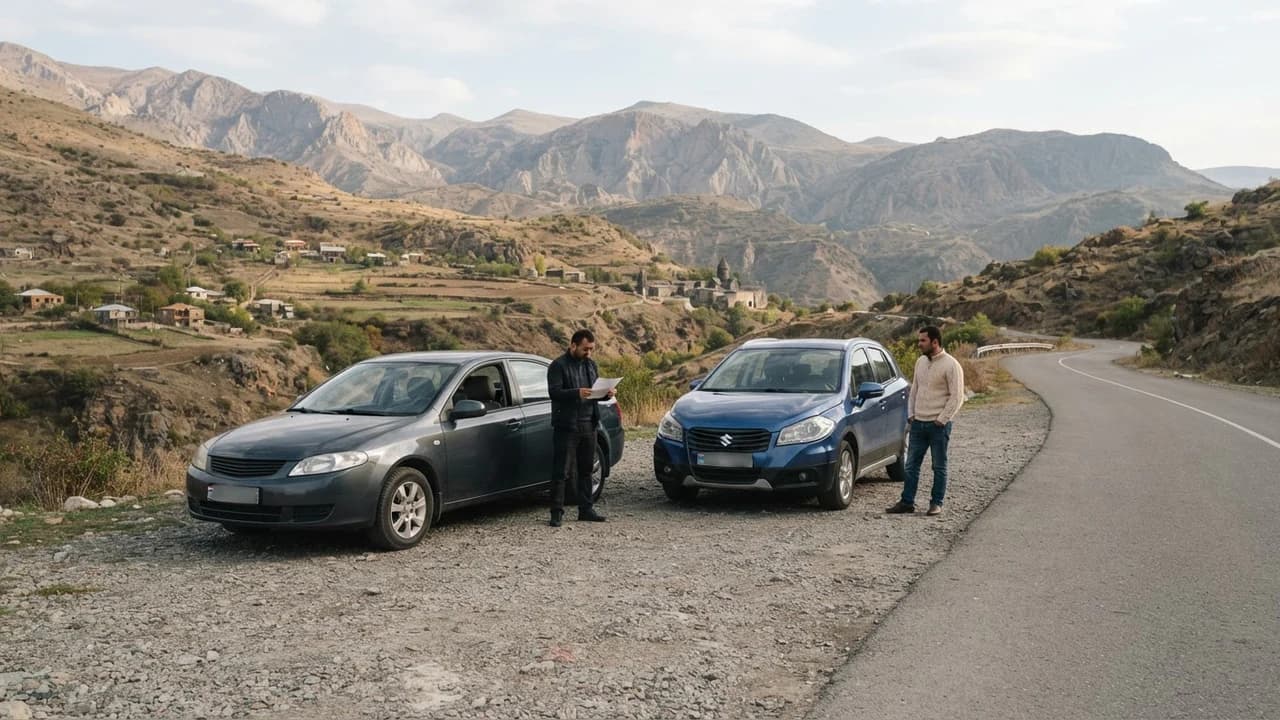
A navigation app sometimes picks the shortest route, not the most sensible one, and in the mountains that can mean a dirt track. In Syunik and Vayots Dzor, keep this in mind whenever the road turns off the main highway.
With a rental the risk is bigger. A low car can be damaged on a dirt road, and the damage turns into an argument with the owner.
How to spot it:
- Before setting off, open the satellite layer and see whether the road is wide and paved or a narrow track.
- If the app suddenly pulls you off the highway onto a rural road, be suspicious.
- Compare the same route in the second app. If they differ, find out why.
If in doubt, stop in a safe place and go back to the main road, even if it's longer. Before renting, ask the owner which parts of your route are unpaved and whether this car can handle them. At night, such stretches are more dangerous.
Example: Yerevan to Goris via Sisian
Before heading to Syunik, build the same route in both apps and compare them at home, calmly. We don't give distances or times here. Check them in the app itself.
- Build the Yerevan to Goris route in Google Maps and in Yandex Maps.
- Turn on the satellite layer and go through the whole route.
- Mark the sections where the two apps disagree, or where the road looks narrow and unpaved.
- Call the owner about those sections and ask how the car copes with them.
If the apps suggest different roads, take the one on the main highway, even if it isn't the shortest.
Meeting point: the map pin must match the description
The owner usually sends the handover spot as a map link or coordinates. Open it in both apps and make sure the pin matches the description: the courtyard, the entrance, the building. If the pin lands a few dozen metres off, ask before you leave. Also ask the owner to name a landmark in words: a shop, a bus stop, an archway.
If you run into a one-way street, a courtyard entrance that's somewhere other than the map shows, or a new street name that differs between the apps, stop in a safe place. Check the second app, then call the owner instead of guessing. You can call, because on JanCar the owner's phone number is visible once you sign in.
If the ad says the owner delivers the car to the airport, agree the exact meeting point by phone, the arrivals exit or the car park, and ask for a map pin. The two of you arrange this between yourselves. JanCar takes no part in it.
Trips to Georgia
An ad may say trips to Georgia are possible, but the final permission has to be confirmed with the owner. Before you go, ask them about the permission, the border and the insurance terms, and check the border rules in official sources. We don't list border rules here. They change.
Download offline maps of your route before you leave, because mobile coverage can be weak near the border.
The day before: a 10-minute test
This takes about 10 minutes and shows whether your phone will cope on the road.
- Update both apps.
- Allow location access.
- Download the offline area over Wi-Fi.
- Switch on airplane mode and check the route still opens.
- In the car, try the phone holder and the charger.
Download offline maps not just for the city but for the whole region you'll pass through. Check your phone's free storage first, because a large area takes a lot of space. And remember: offline, there's no traffic data.
Night and bad weather on mountain roads
In fog, rain or snow, take the main highway, even if it's longer. Before you leave, check road conditions from official or local sources. We don't name specific closed sections here, because the situation changes day by day.
Battery and internet: before you start driving
Navigation drains a phone battery fast, so a charger in the car is a must. Check that the car has a USB or a suitable socket, and if there's no holder with the car, bring your own. Don't hold the phone in your hand while driving. Fix the holder in place before you move.
Checklist before you leave:
- The route is built and the destination double-checked.
- The offline map is downloaded.
- The phone is charged and the charger is in the car.
- The holder is fixed in place.
- You've asked the owner about unpaved sections.
For SIM cards and roaming, check the terms with your operator. We don't quote tariffs because they change. In the mountains and near the border, coverage can be weak or missing, which is why an offline map is necessary.
How to choose: a short rule for renters
If you're driving in Yerevan, traffic and addresses matter most. Compare the two apps on your usual route and stick with the one that suits you better. If you're travelling around the country, switch on the offline map and keep the second app for cross-checking.
In the mountains, the condition of the road matters more than the name of the app. Look at the satellite layer and ask the owner. If you're unsure about the road, it's better to rent a car with higher ground clearance, a 4x4 for example.
JanCar is a classifieds board for car rentals across Armenia. In the catalogue you can filter cars by city, body type, with or without a driver, airport delivery and trips to Georgia. The owner's phone number is visible after you sign in, and you agree all the terms directly with them. On that call, ask about your route too.
Frequently asked questions
Does Google Maps work in Armenia without internet?
It does, if you've downloaded the area map beforehand. Do the download over Wi-Fi before the trip. Some features, traffic for example, aren't available offline.
Which is better, Google Maps or Yandex Maps?
There's no single answer. Both cover Armenia. Compare the same address and the same route in both apps on your own phone and pick the one that suits you. It's good to have both.
Can I use an app to avoid a speed camera fine?
No, don't count on it. We have no reliable data on camera warnings, and the speed limit is the driver's responsibility. Check the rules on the Police website.
Where to go next
- Armenian addresses in navigation: a guide — the details of entering an address in three languages.
- Yerevan traffic map: how to check roads in real time — how to read the congestion before you leave.
- Using your phone while driving in Armenia: 3 steps — set the route before you start moving.
- Night driving on Armenia's mountain roads — the risks of mountain roads alongside navigation.
- Car rental in Goris and Sisian: choosing for Syunik roads — a Syunik example where route choice matters.